A Glass Eye 2000 alternative that runs in your browser
VETRATA Studio is stained glass pattern software that runs in your browser, on a Mac or a Windows PC, free and with nothing to install. Glass Eye 2000, from Dragonfly Software, is a Windows program sold in four editions from $150 to $1,295, its current version released in 2014. Here is how the two compare, from Dragonfly's own pages and the Studio itself.
01
It runs in your browser
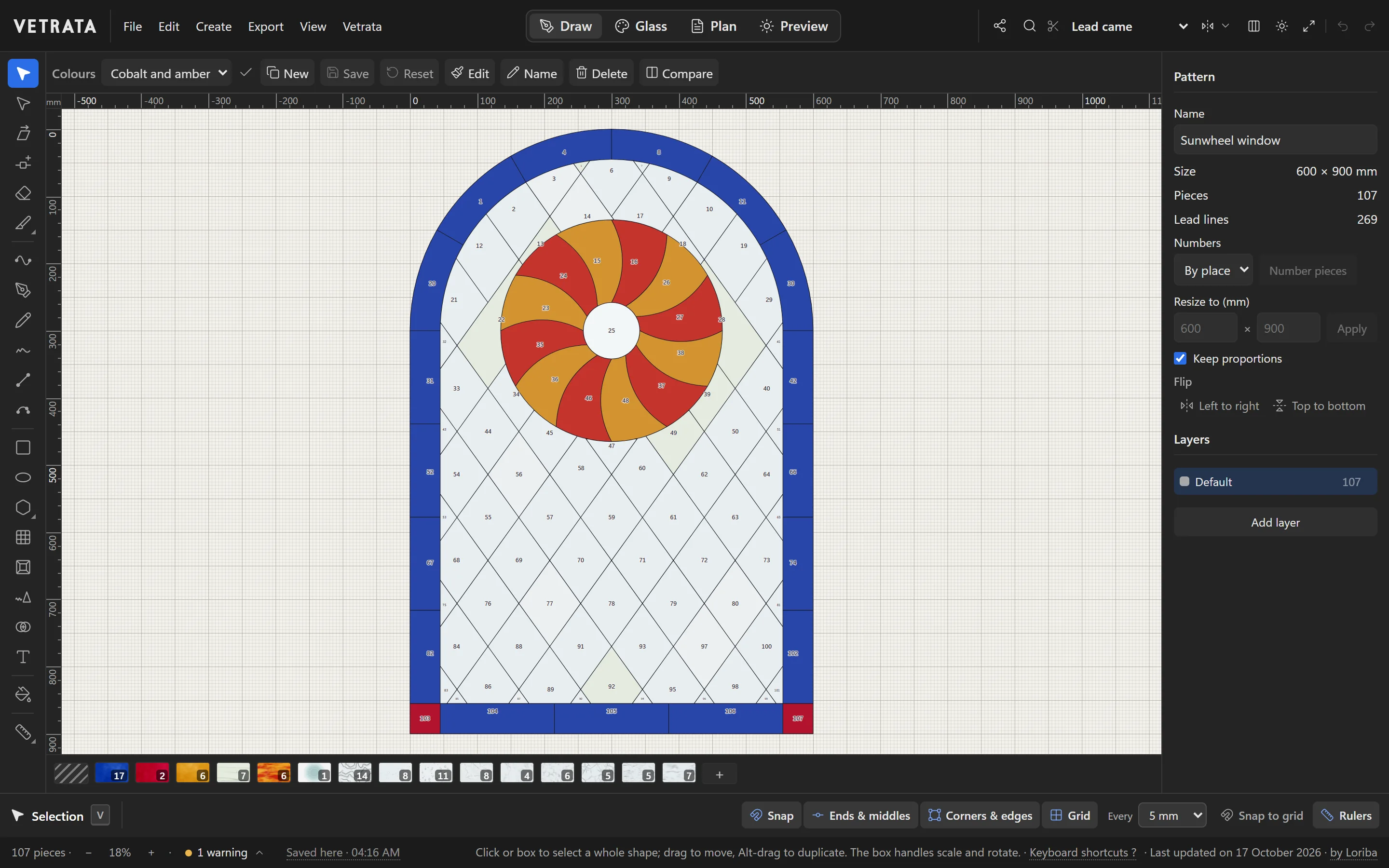
VETRATA Studio is a web app: open vetrata.studio in a current browser on a Windows PC or a Mac and start drawing. There is nothing to install, no account to make and no licence to move from one computer to the next.
Your patterns are kept in your browser as you work, and saved to a file whenever you want a copy or want to open one on another computer.
02
See the panel in light before you cut
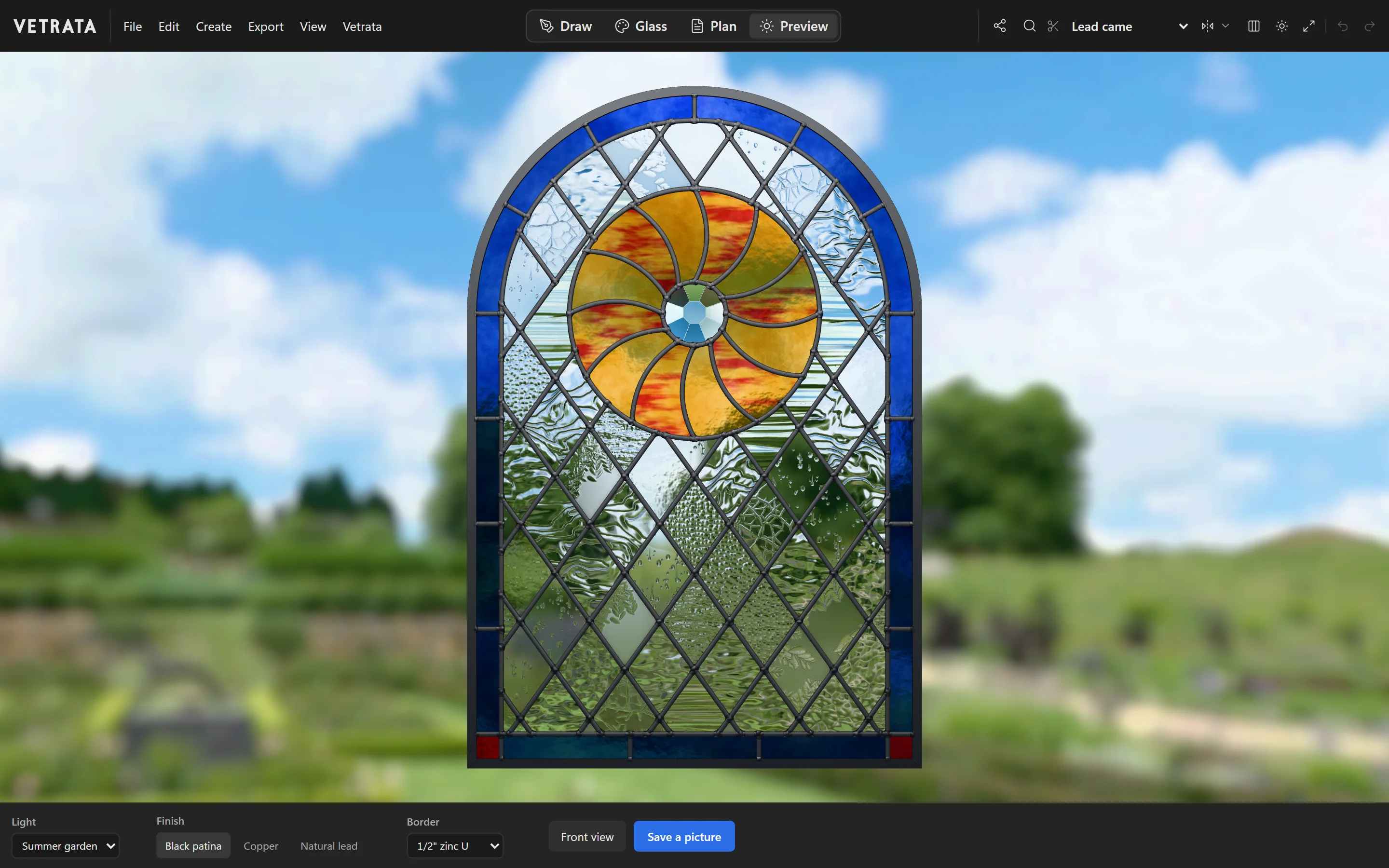
The Preview hangs the panel in a window: a summer garden, a blue sky, a night street with the lamps on, in the came and the finish you will use. Keep more than one colourway and compare two in the same light.
03
Your own glass, from a photo
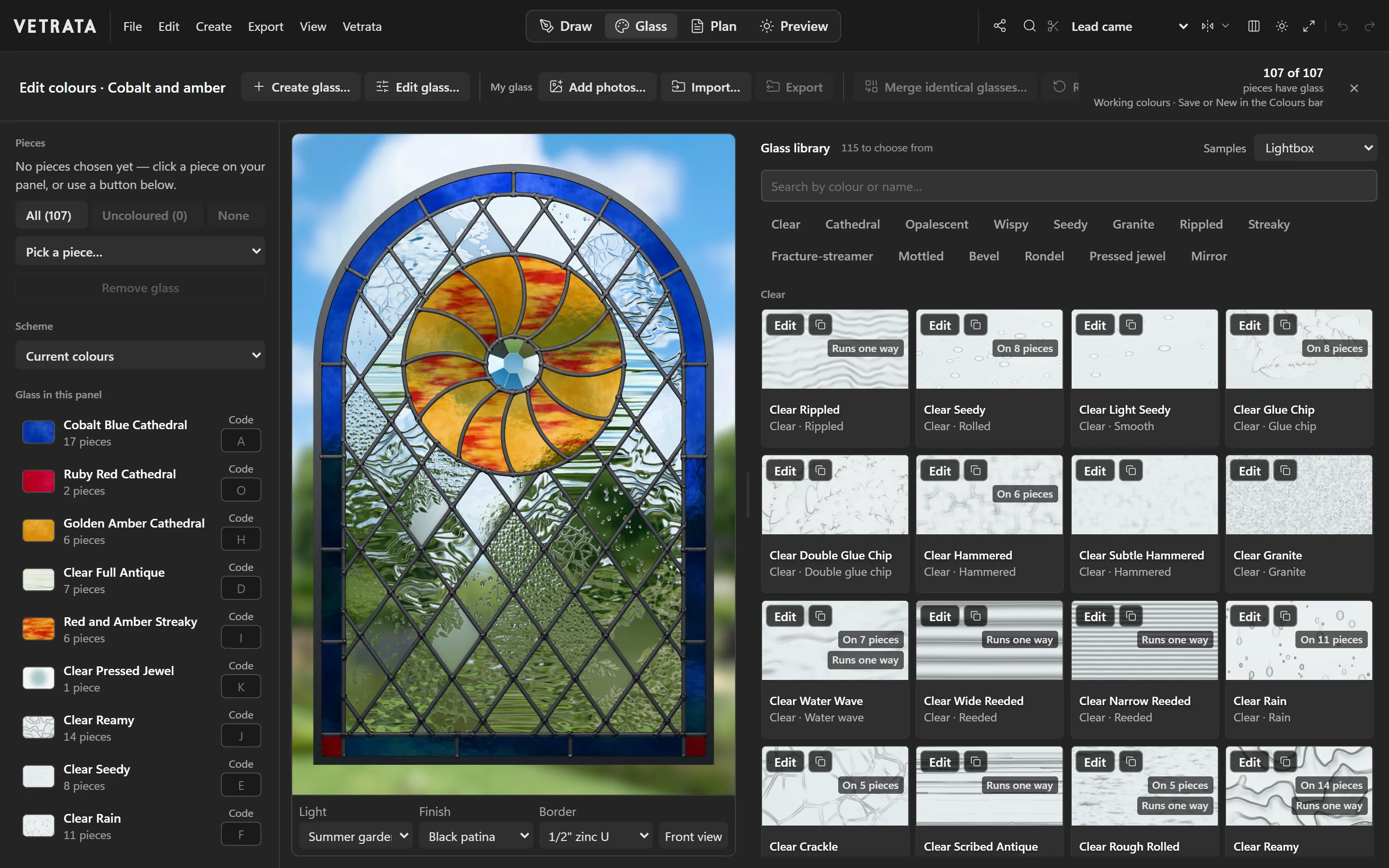
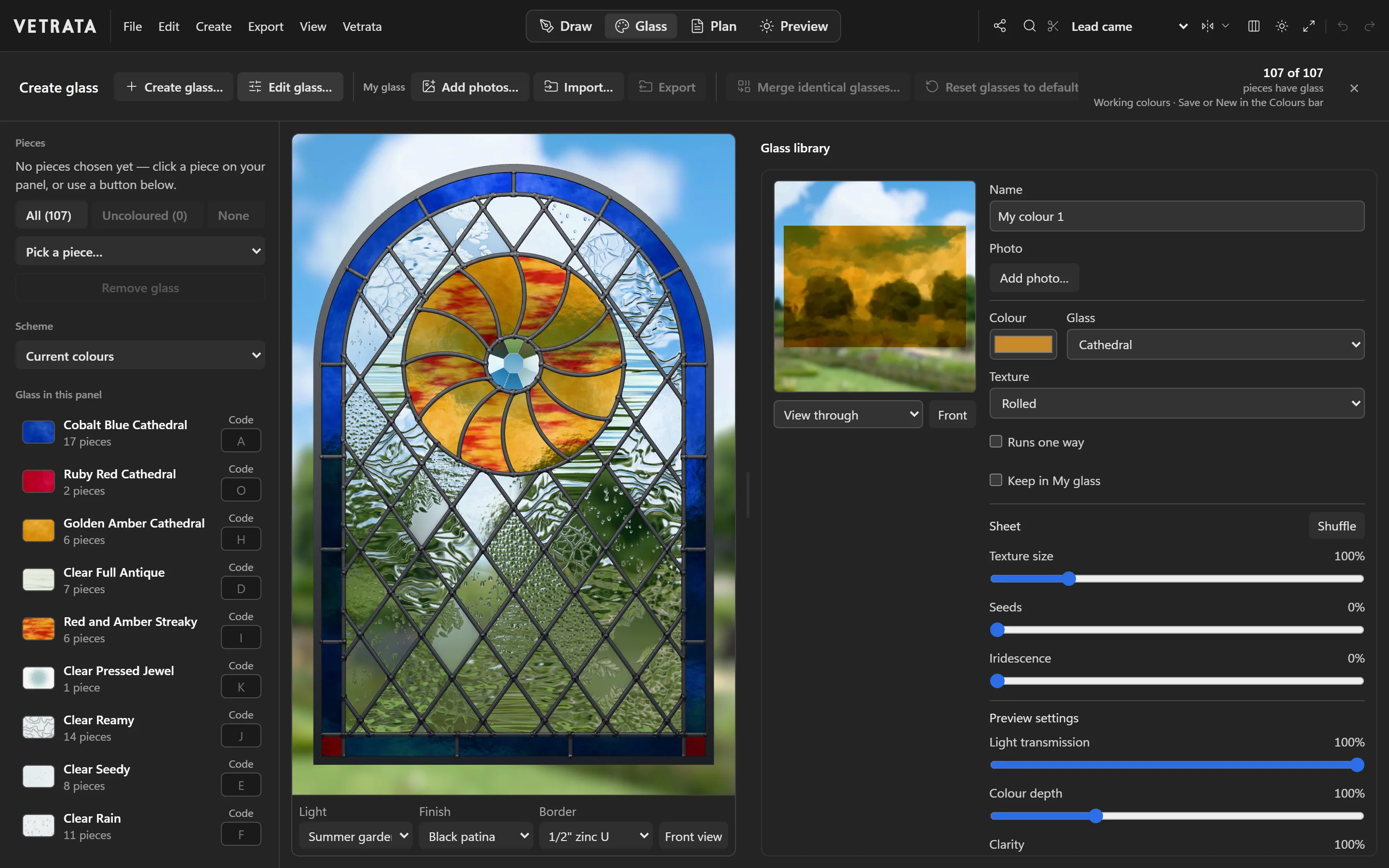
Over a hundred glasses come with it, from clear textures to streaky, fracture-streamer and pressed jewels. And a sheet from your own stash can be one of them: match its colour, texture and streaks, or photograph it and the Studio makes a glass of the photo.
04
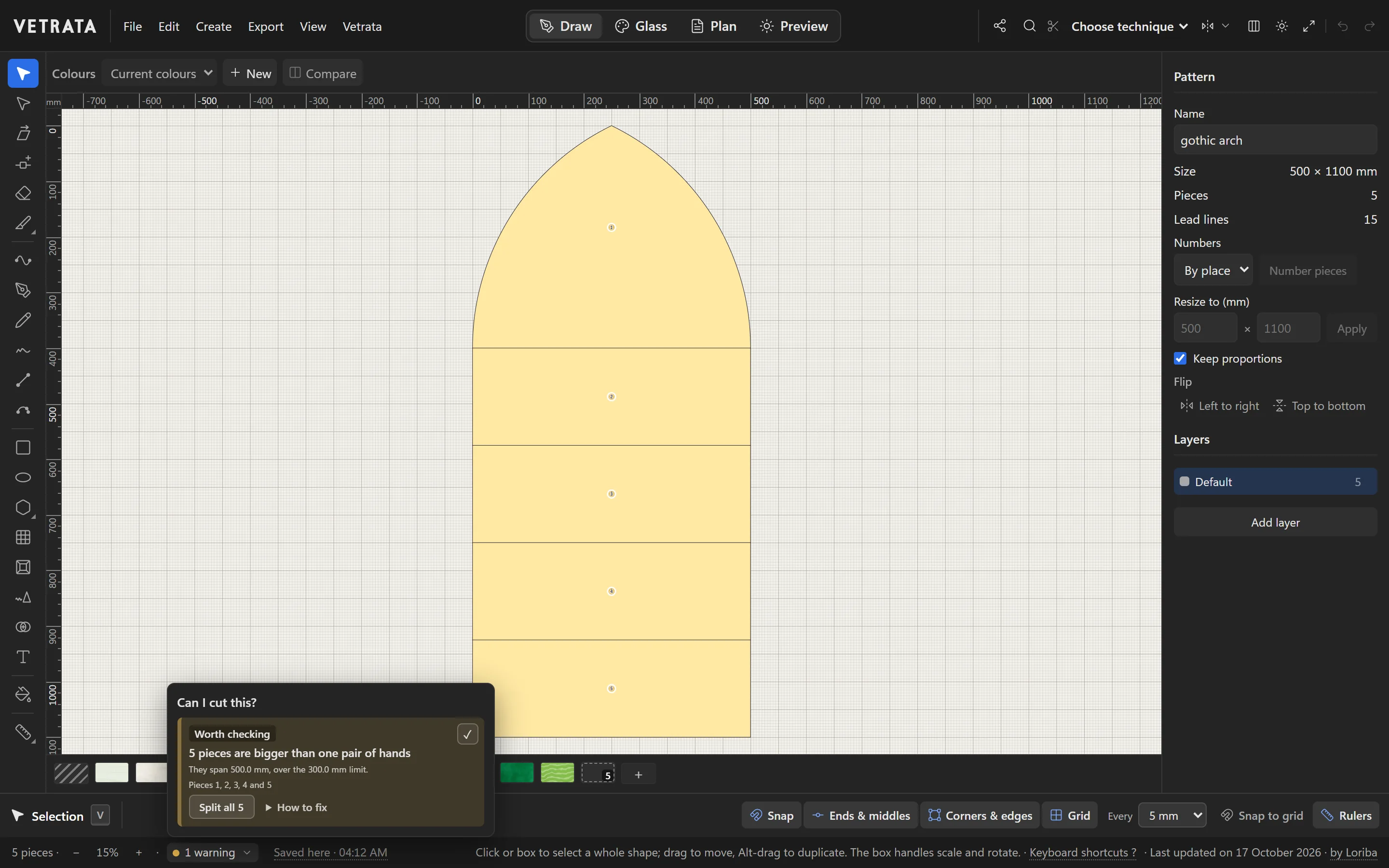
Every piece checked as you draw
The Studio watches for what glass won't take: an inside curve too deep to cut, a point too sharp, a sliver, a piece too big to handle. It says what it found and where, and puts the fix on a button beside the finding.
05
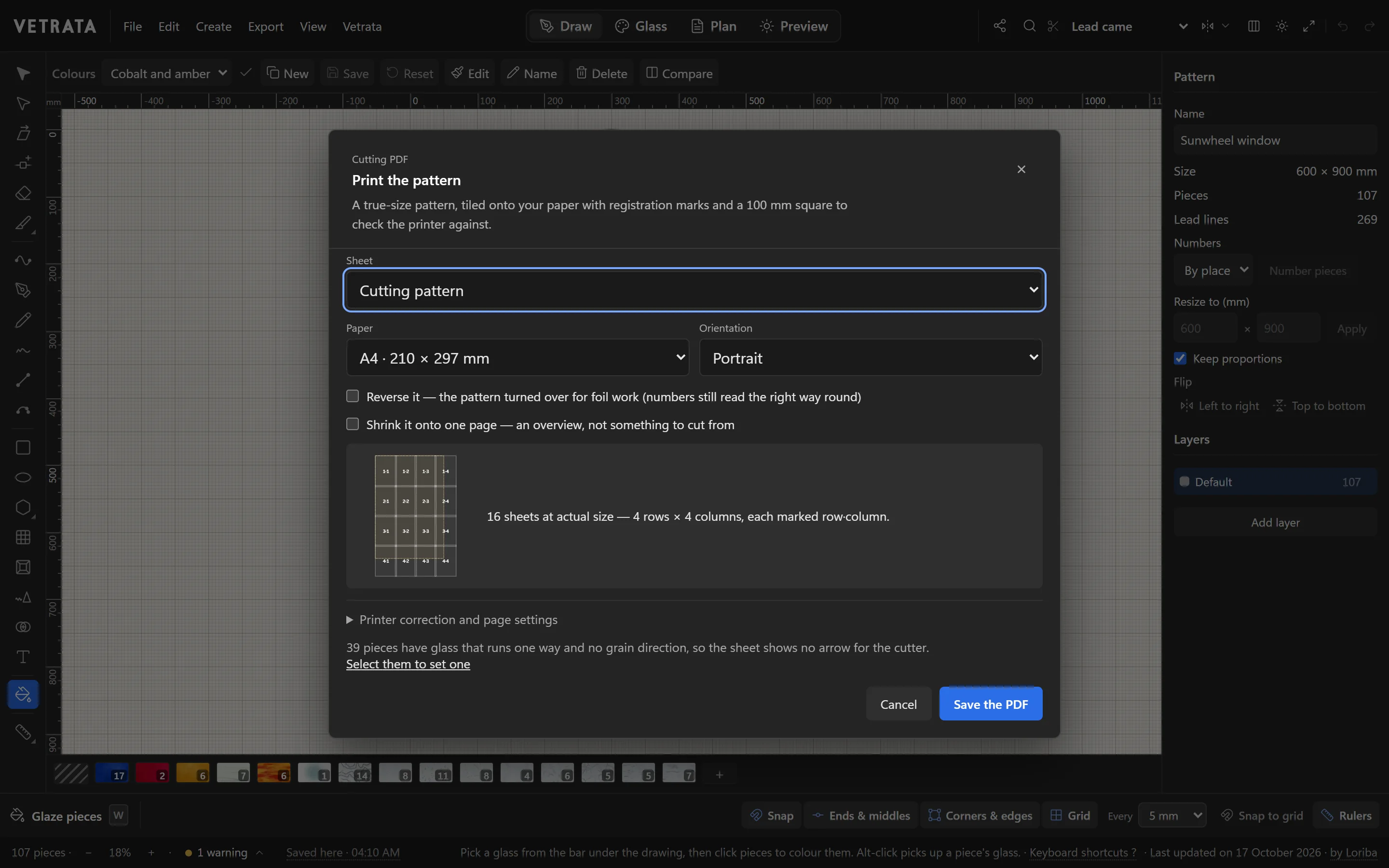
Printed true to scale
The cutting pattern prints at full size, tiled onto A4 or US Letter with marks to tape the sheets by and a 100 mm square on page one to check your printer. Its lines are as wide as the strip your pattern shears take out, for lead came or copper foil, and the plan beside it letters every glass.
For a cutting machine, every piece comes out on its own as SVG or DXF.
06
Side by side
Every line on Glass Eye 2000 is from Dragonfly Software's own pages; where a feature is not in every edition, the edition is named.
| VETRATA Studio | Glass Eye 2000 | |
|---|---|---|
| Price | Free | $150 Standard, $295 Professional, $450 Professional Plus, $1,295 Enterprise, after a 30-day trial |
| Runs on | A current browser on a Windows PC or a Mac: nothing to install, no account | Windows; on a Mac with Boot Camp, Parallels or VMware Fusion and Windows installed |
| Latest version | Each visit opens the latest | 3.1, released 30 December 2014 (3.3 for Enterprise) |
| Glass | Over a hundred glasses seen in light, and glass made from a photo of your own sheet | 15 textures and any colour; over 3,700 photographed glasses from ten makers in Professional and up |
| Ready-made designs | 75 motifs to set into a pattern, and the pattern shop | A library of over 400 patterns |
| Seeing the panel | The window in 3D, in the light it will hang in; colourways side by side | Glass shown in the pieces; glass transparency in Professional Plus |
| Checks | What the glass won't take, as you draw: deep inside curves, sharp points, slivers, pieces too big | Finds flaws in a design |
| Printing | The cutting pattern full size, tiled onto A4 or Letter with marks to tape them by, a 100 mm square and a printer correction | Actual size or on one page; a printer calibration tool in Professional and up |
| Lead and foil | Lead came or copper foil: the cut lines and the checks follow the technique; U-came and zinc frames | A line's face width and heart thickness; U-came borders in Professional and up |
| Numbers and plan | Numbers by place, by glass or by hand; a plan with every glass lettered and a key | Numbers by colour; by location or by hand in Professional and up |
| Import | SVG and DXF drawings; a photo, sketch or scan to trace | BMP and JPEG, or a scanner; more image types in Professional; DXF and DWG in Professional Plus, unsupported on Windows 8, 10 and 11 |
| Export | The cutting PDF and the plan; SVG and DXF of the lead lines; every piece as SVG or DXF for a CNC or laser cutter; pictures and a presentation | BMP and JPEG; DXF and more in Professional; plotters and cutters in Enterprise |
| Lamps and boxes | No: flat panels | Lamp Wizard, for lamps, jewellery boxes and ornaments, in Professional and up |
| Cost estimates | No | A bill of materials and a materials calculator |
07
What Glass Eye 2000 has that the Studio leaves out
Choose by what you need. Dragonfly lists these, and the Studio does not do them:
- A library of over 400 patterns, in every edition.
- Over 3,700 photographed glasses from ten makers, in Professional and up.
- Lamps, boxes and ornaments in 3D, with its Lamp Wizard, in Professional and up. The Studio draws flat panels.
- Cost estimates: a bill of materials and a materials calculator. The Studio leaves the costing to you.
- Plotters and cutters driven directly, in Enterprise. The Studio writes SVG and DXF for a machine's own software.
- Tracing a scanned line drawing automatically, in Professional Plus. In the Studio you trace by hand, so every line is one glass can be cut along.
08
Bringing a design across
The Studio does not open Glass Eye 2000's own files. Glass Eye's Professional edition and up export a design as DXF, and the Studio imports DXF drawings with Create › Import SVG or DXF: their lines, polylines, arcs, circles and splines. The leads come in and the Studio makes pieces of them; the glass does not come with them, so you glaze it again.
Nothing to install
The Studio's own engine, running in this page.
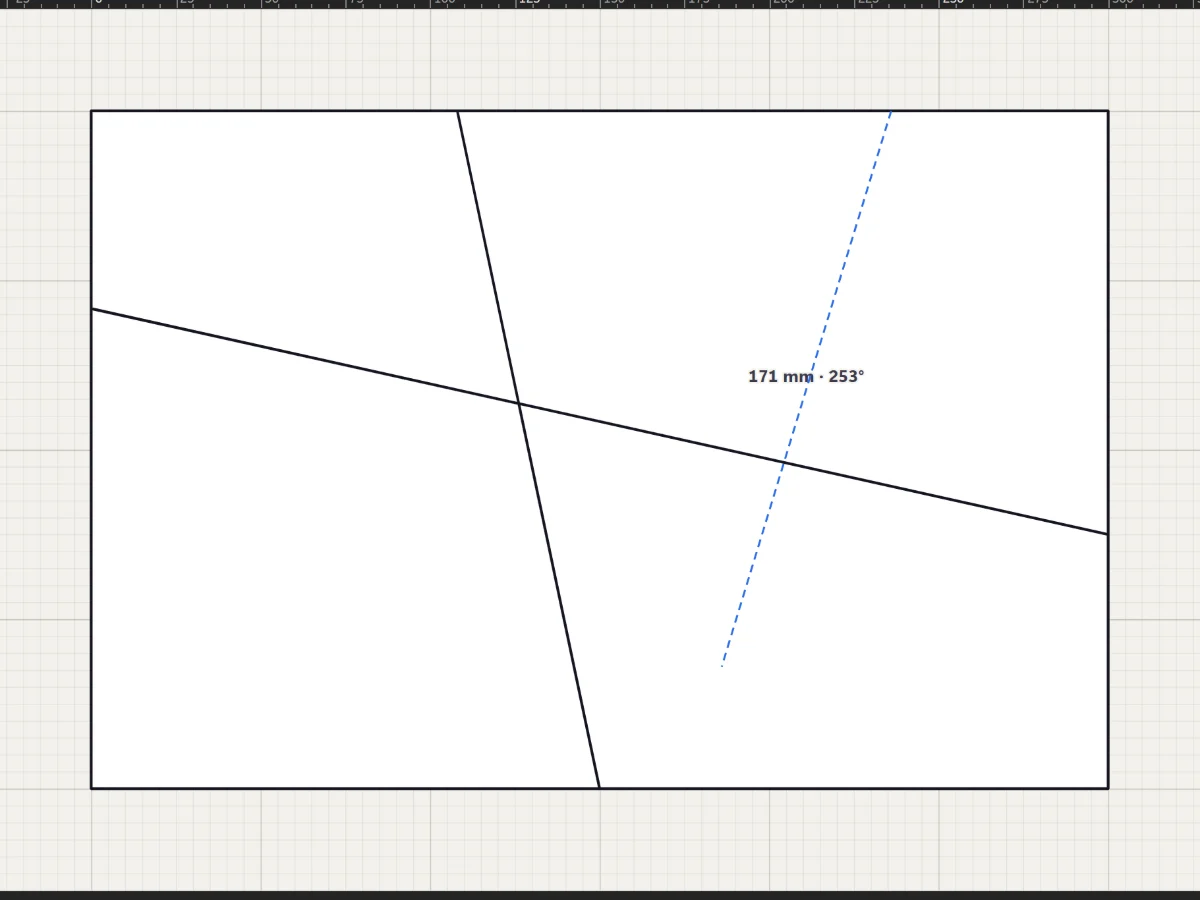
This is the code VETRATA Studio runs on. Draw a lead across the panel and it cuts the piece in two, checks the glass can take every piece, glazes it and holds it up to the light.
- Cut the big piece until the glass can take it
- Glaze three pieces
- See your window in light
Questions
Asked before switching.
Is there a Glass Eye 2000 for Mac?
Not a Mac version: Dragonfly says Glass Eye 2000 runs on a Mac with Boot Camp, Parallels or VMware Fusion, with Windows installed. VETRATA Studio runs in your browser, on a Mac as on a Windows PC, with nothing to install.
How much does Glass Eye 2000 cost?
Dragonfly lists the Standard Edition at $150, Professional at $295, Professional Plus at $450 and Enterprise at $1,295, with a 30-day trial. VETRATA Studio is free.
Is Glass Eye 2000 still being updated?
Dragonfly's upgrades page gives the current version as 3.1, released on 30 December 2014, with 3.3 the latest for the Enterprise Edition.
Can I open my Glass Eye 2000 designs in VETRATA Studio?
Not its own files. Export a design as DXF from Glass Eye's Professional edition or up, and import it with Create › Import SVG or DXF: its lines come in as leads, and you glaze it again.
Is VETRATA Studio really free?
Yes. Open vetrata.studio and start drawing: there is nothing to install and no account to make. Your patterns stay in your browser, and you can save each to a file.
Sources
What this page says of Glass Eye 2000 is from Dragonfly Software's own pages, read on 17 October 2026:
- Compare editions
- Table of features
- Pricing
- Overview and system requirements
- Upgrades and the current version
- Download and trial
Glass Eye 2000 is a product of Dragonfly Software. VETRATA is not connected with Dragonfly Software.