Lesson 17 of 23
Keep colourways side by side
Save more than one choice of glass for a pattern, switch between them, and compare two in the same light.
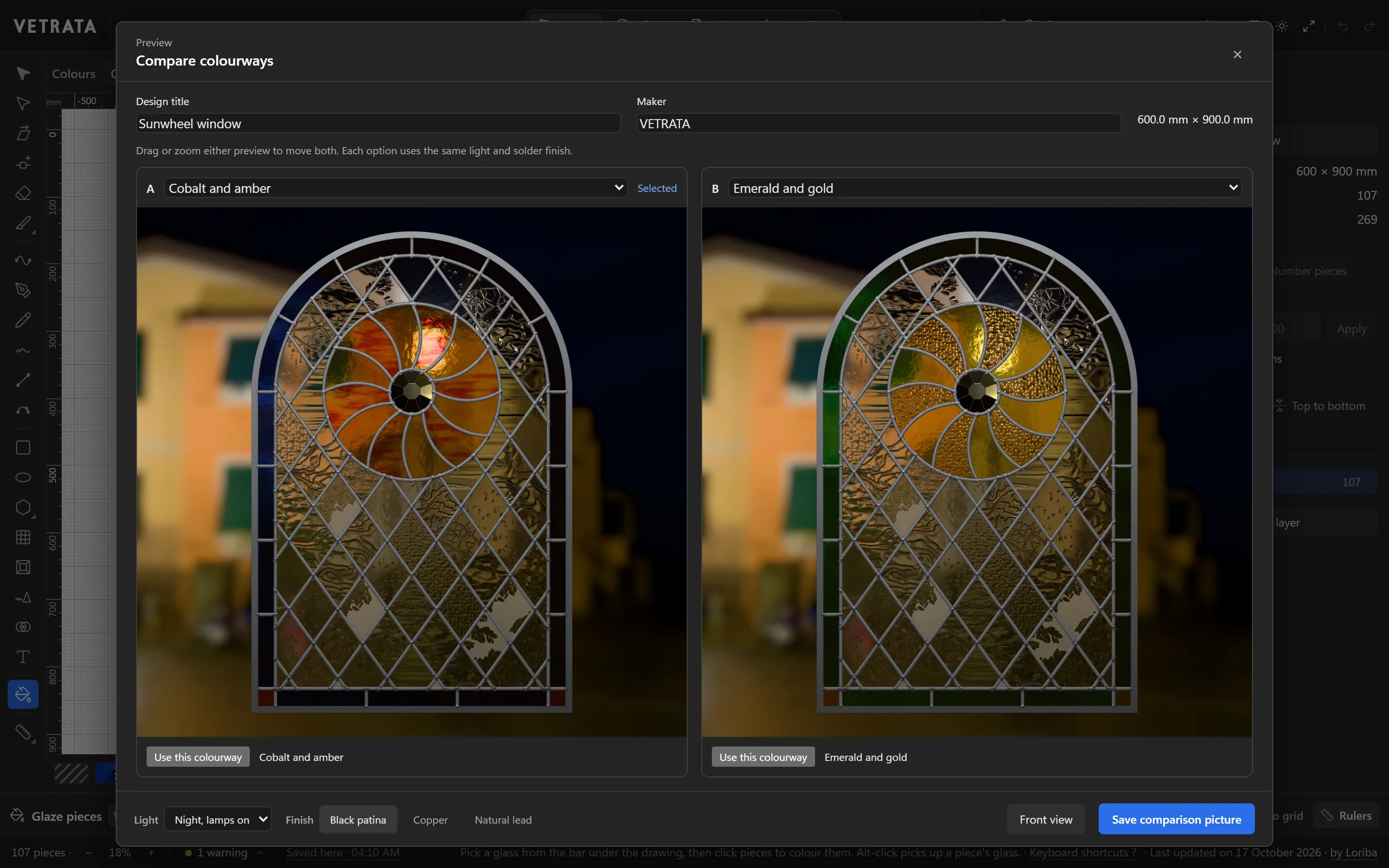
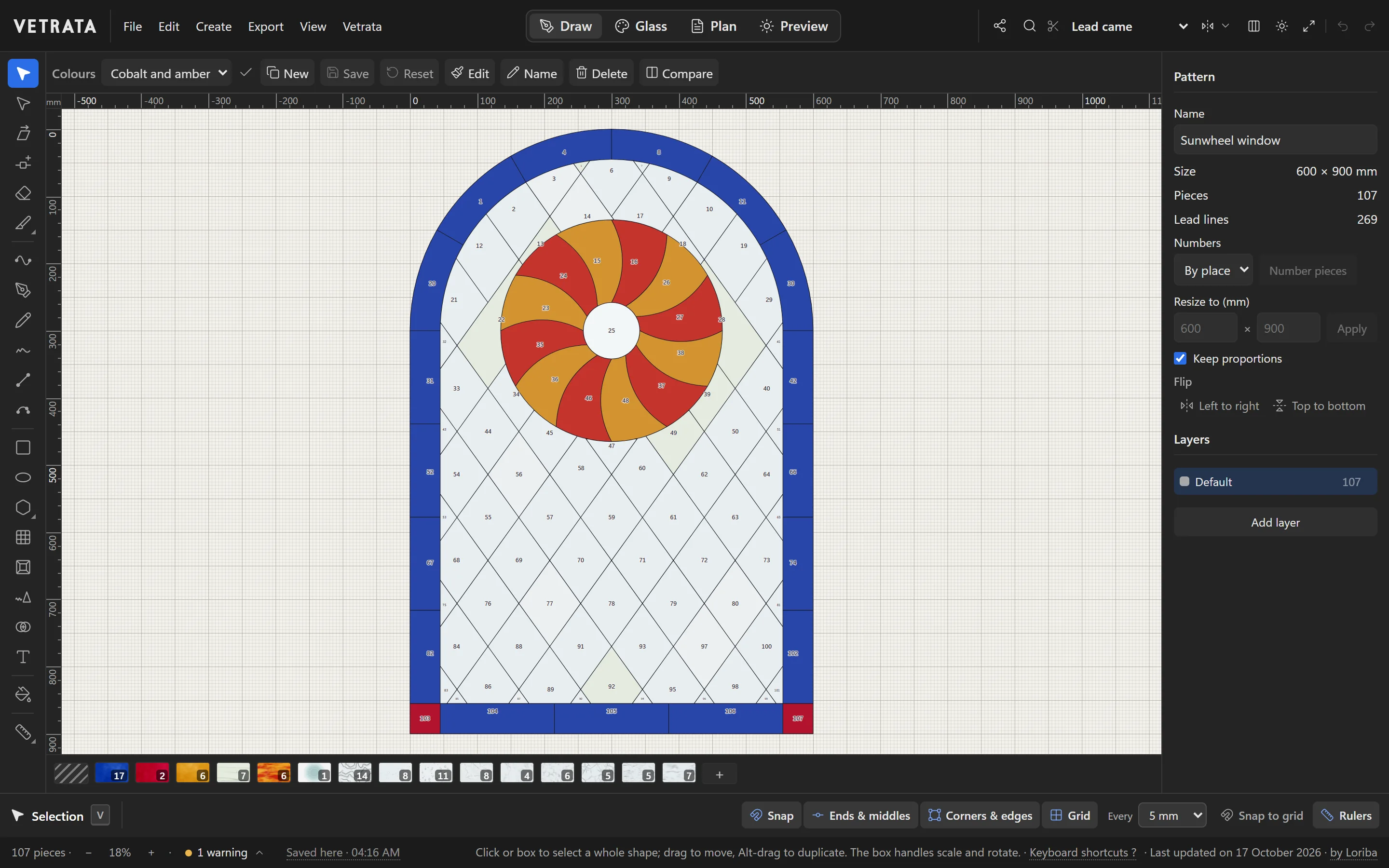
A colourway is one choice of glass for every piece. Keep several, and decide between them in the light the window will hang in.
-
1
Your working colours
The glass you are choosing now is your working colours. The Colours bar above the drawing shows which colourway you are in.
-
2
Save a colourway
Click New to keep the working colours as a colourway, and Name to call it what it is, such as Cobalt and amber.
-
3
Switch, update and reset
Choose a colourway from the Colours list to glaze the pattern with it. A saved colourway changes only when you click Save; Reset goes back to it.
-
4
Compare two
With two or more saved, click Compare. The two stand side by side in the same light and finish; drag or zoom either and both move.
Use this colourway takes the one you prefer, and Save comparison picture keeps the pair as a picture.
 Make a glass of your own
More in Glass
 Preview
See your panel in light
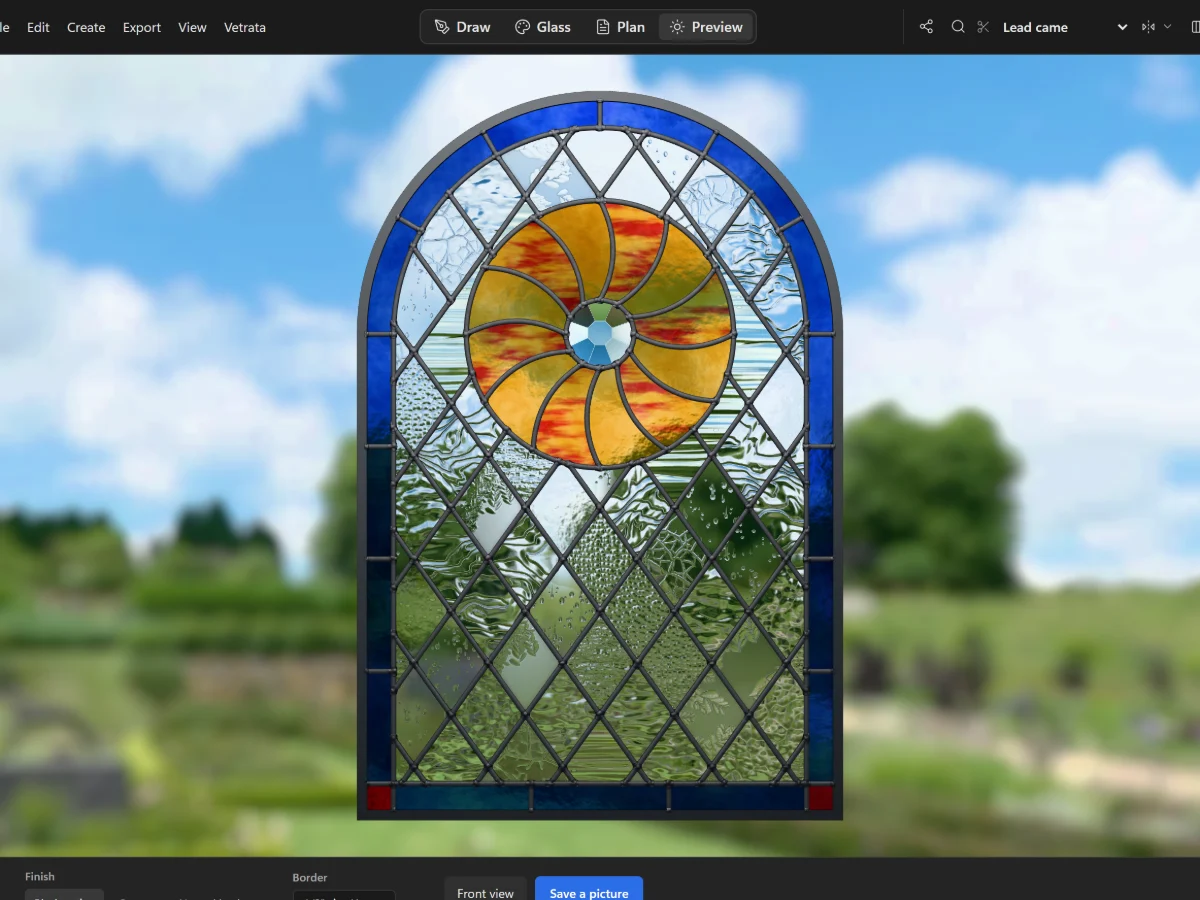
Hold the window up to a summer garden, a blue sky or a night street, in the came and finish you will use.
5 steps · 2 min · Try it in the page
Preview
See your panel in light
Hold the window up to a summer garden, a blue sky or a night street, in the came and finish you will use.
5 steps · 2 min · Try it in the page
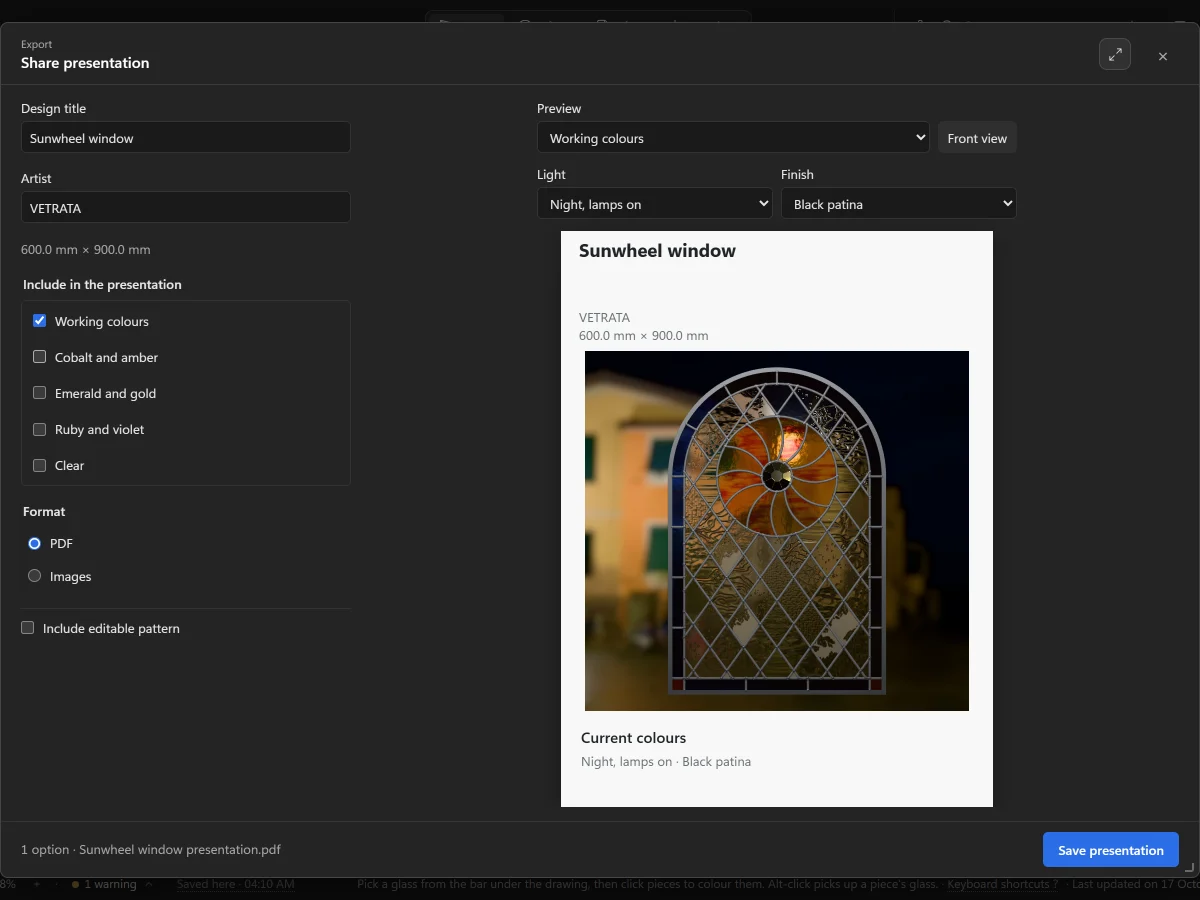 Preview
Share a presentation
Make a PDF or a set of pictures of the panel in its colourways, to send to a client.
4 steps · 2 min
Preview
Share a presentation
Make a PDF or a set of pictures of the panel in its colourways, to send to a client.
4 steps · 2 min
 Glass
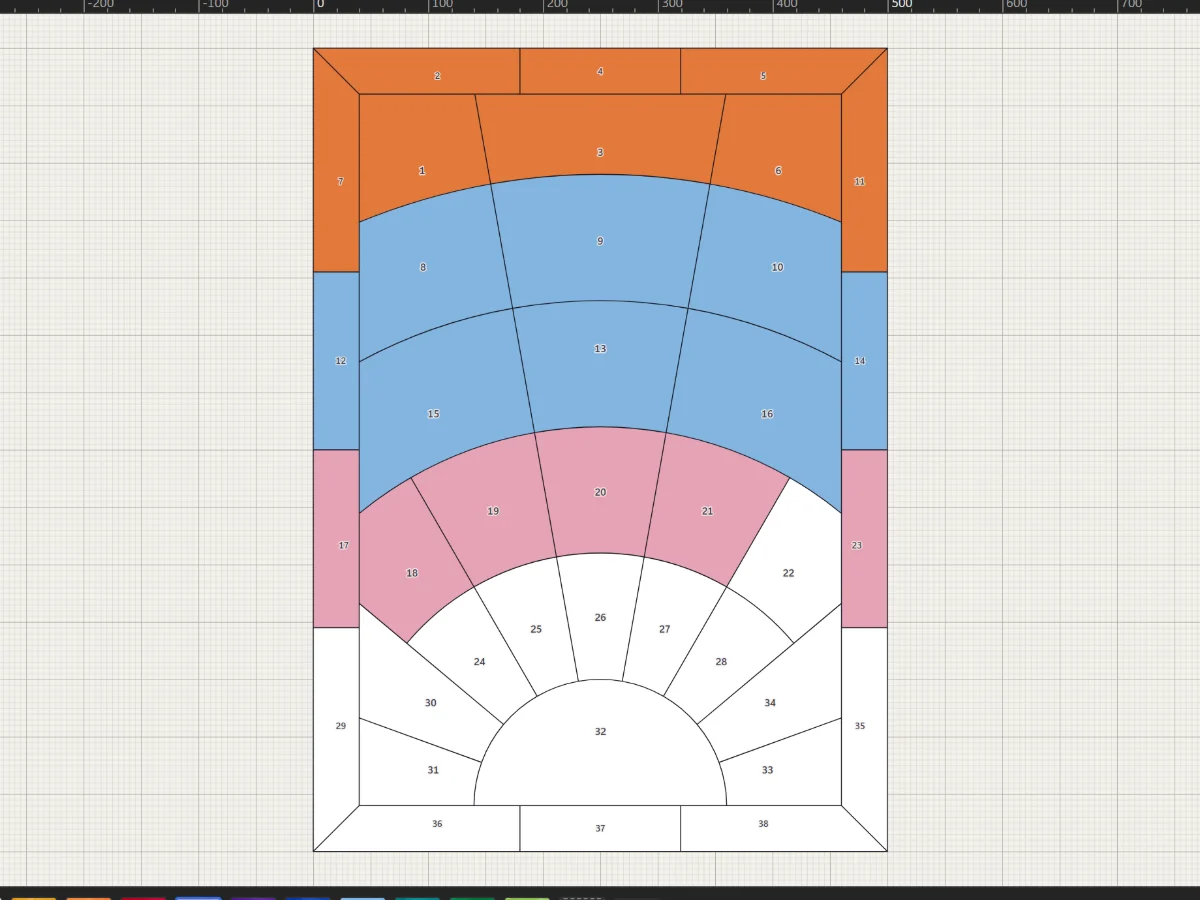
Glaze pieces
Pick a glass from the bar under the drawing and click pieces to colour them.
4 steps · 2 min · Try it in the page
Glass
Glaze pieces
Pick a glass from the bar under the drawing and click pieces to colour them.
4 steps · 2 min · Try it in the page