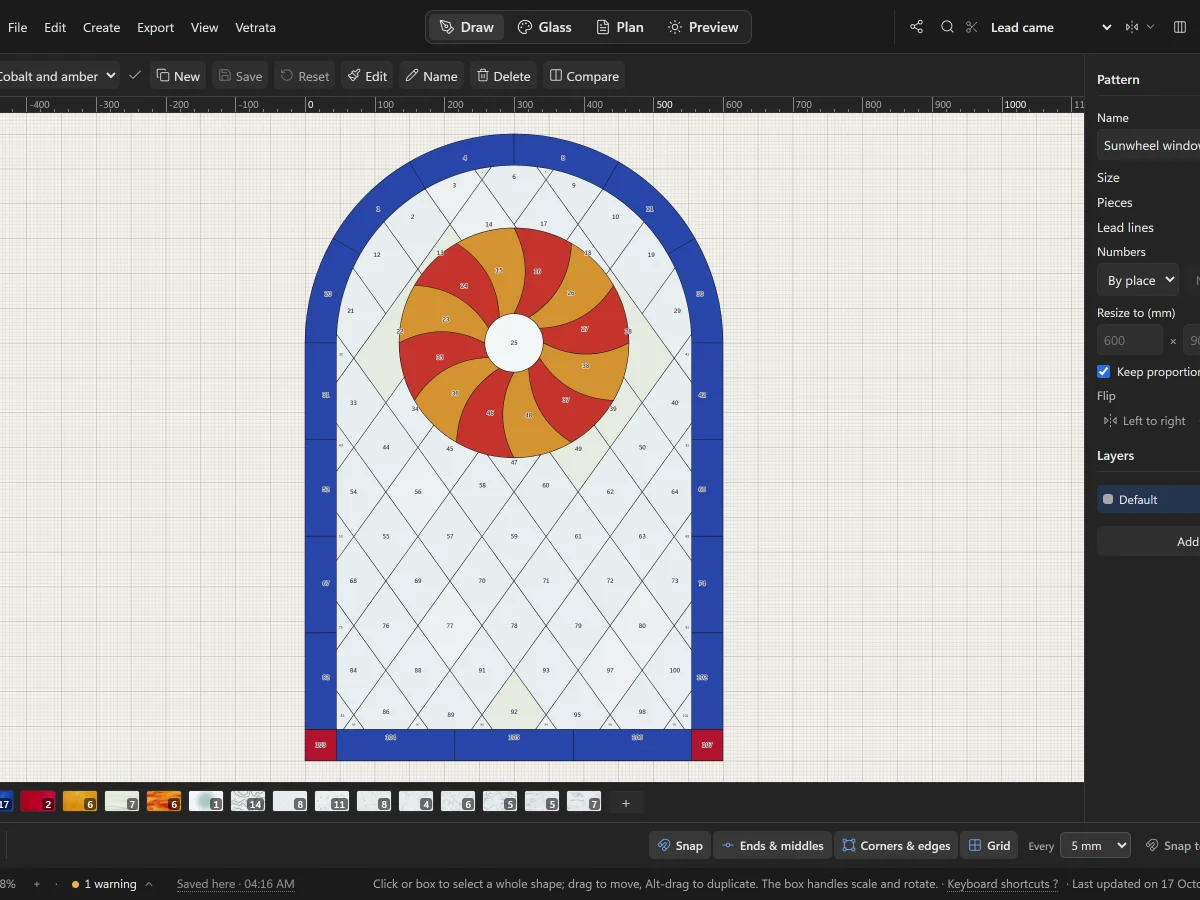
 Lesson 1 · Getting started
A tour of VETRATA Studio
The four tabs, the menus, the tools and the bars around the drawing: where everything lives.
5 steps · 2 min
Lesson 1 · Getting started
A tour of VETRATA Studio
The four tabs, the menus, the tools and the bars around the drawing: where everything lives.
5 steps · 2 min
Free course · 23 lessons · about 46 minutes
From the first line to the light.
Learn VETRATA Studio one lesson at a time: draw the leadwork, choose the glass, print the cutting pattern true to scale, and see the panel in light before you cut a piece.
Every line you draw is a lead: the pieces either side share it.
The course
Five chapters, from a blank panel to a window in light.
-
 Chapter 1
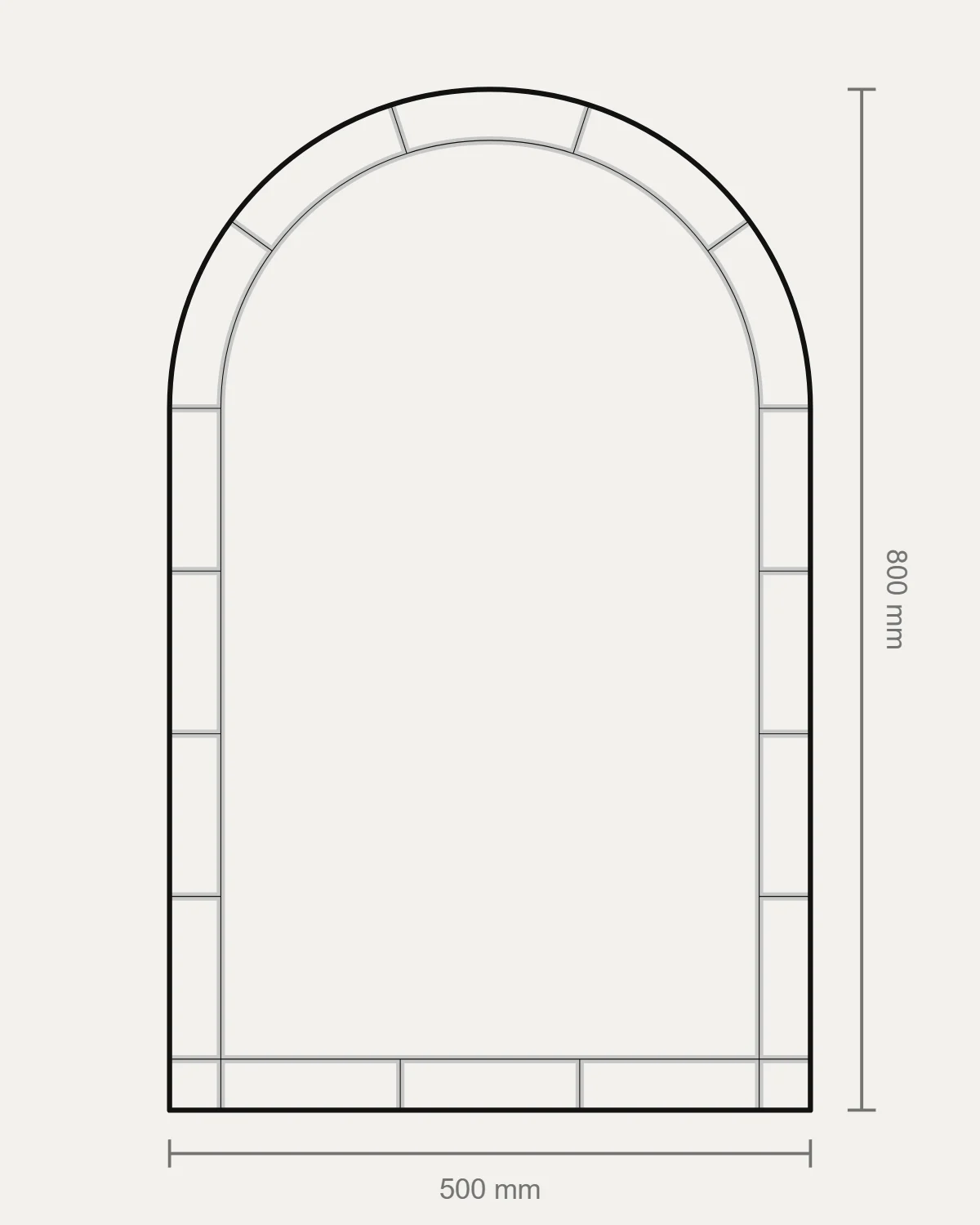
Getting started
The Studio's tabs and tools, your first panel, and where your patterns are kept.
4 lessons · 8 min
Chapter 1
Getting started
The Studio's tabs and tools, your first panel, and where your patterns are kept.
4 lessons · 8 min
-
 Chapter 2
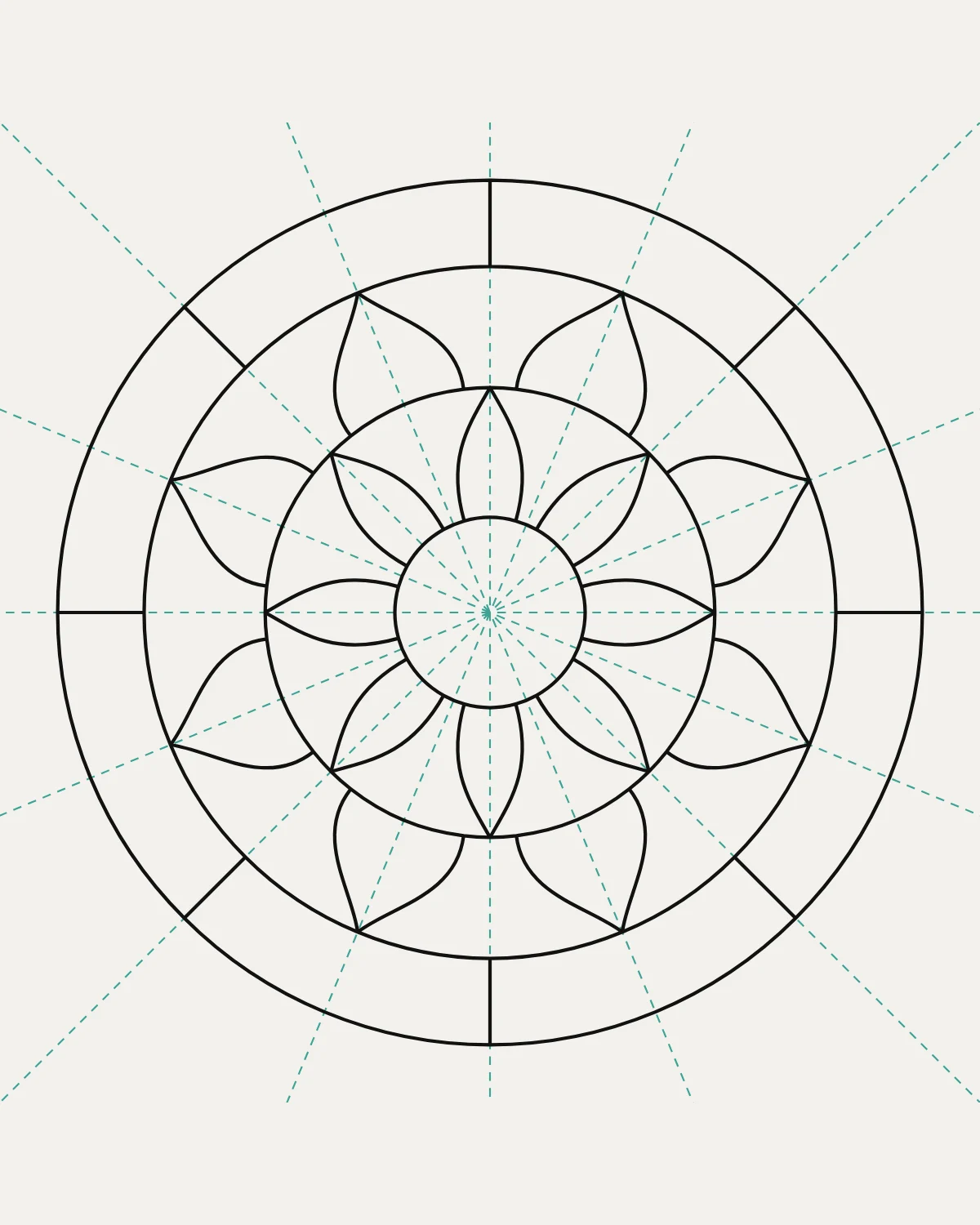
Draw
Lead lines, shapes, the Mirror, tracing, and the checks that keep a pattern cuttable.
9 lessons · 18 min
Chapter 2
Draw
Lead lines, shapes, the Mirror, tracing, and the checks that keep a pattern cuttable.
9 lessons · 18 min
-
 Chapter 3
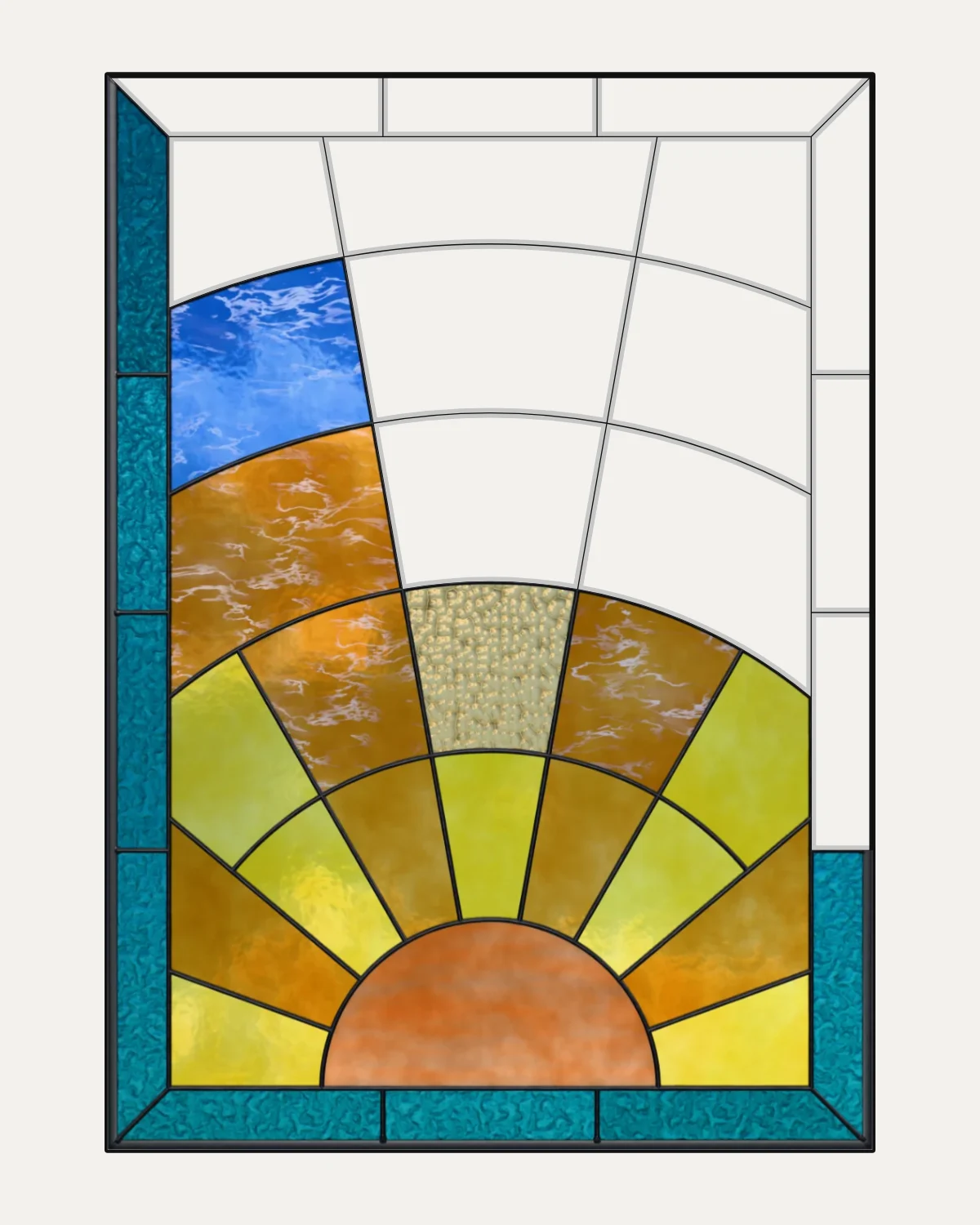
Glass
Glazing pieces, the glass library, glass of your own and colourways.
4 lessons · 8 min
Chapter 3
Glass
Glazing pieces, the glass library, glass of your own and colourways.
4 lessons · 8 min
-
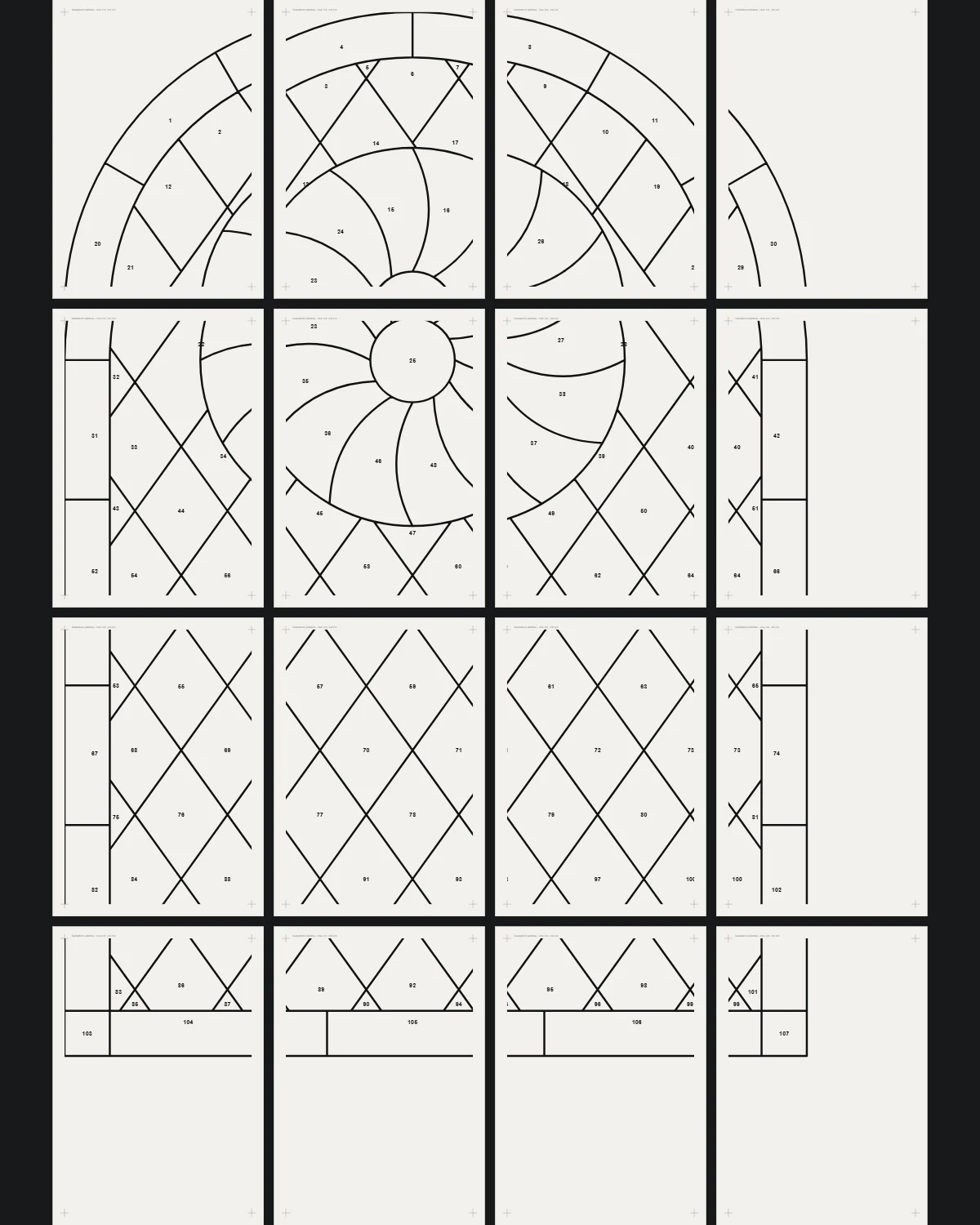 Chapter 4
Plan and print
The pattern plan, the cutting pattern true to scale, and files for cutting machines.
4 lessons · 8 min
Chapter 4
Plan and print
The pattern plan, the cutting pattern true to scale, and files for cutting machines.
4 lessons · 8 min
-
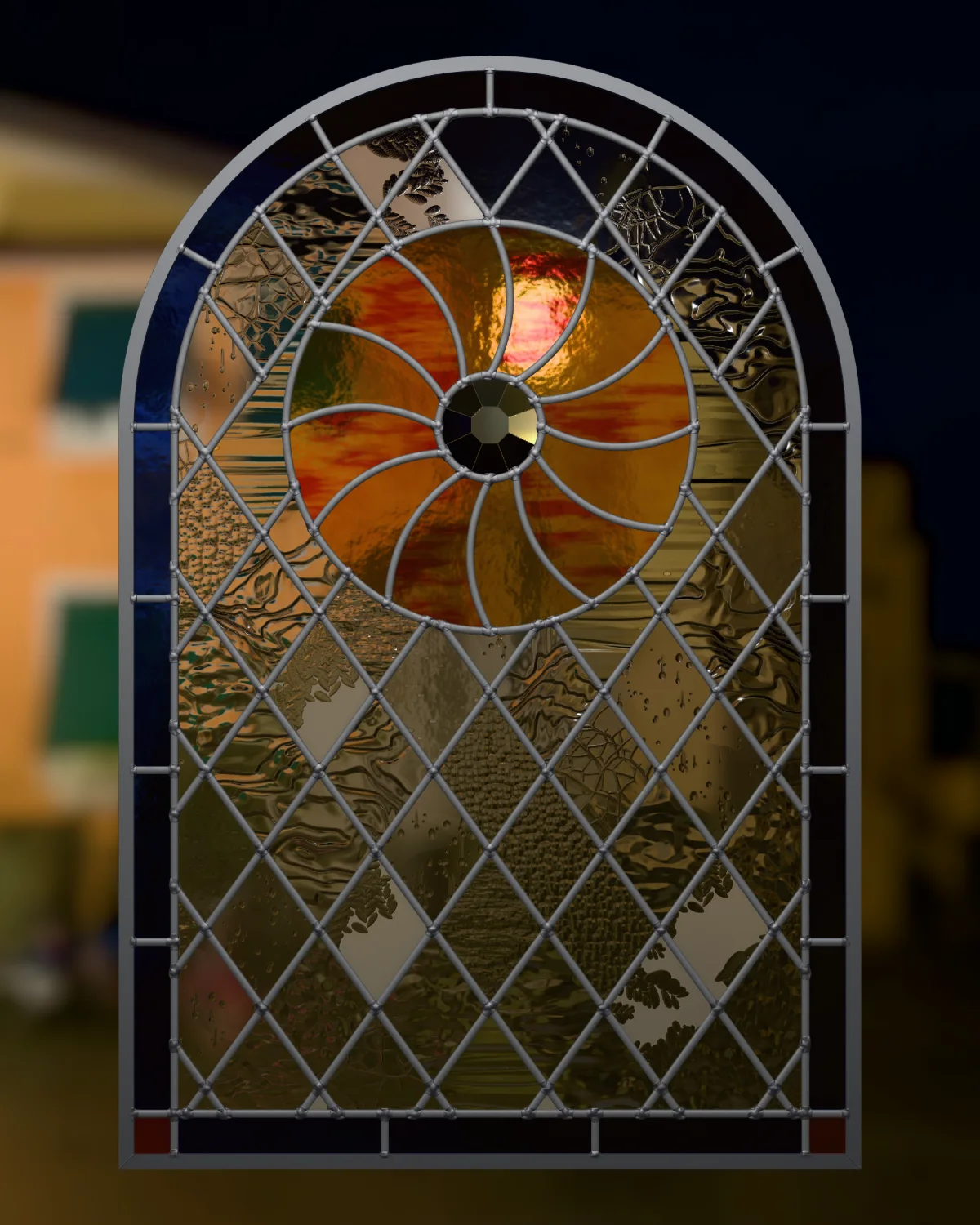 Chapter 5
Preview
Your panel in light before you cut a piece, and pictures to share.
2 lessons · 4 min
Chapter 5
Preview
Your panel in light before you cut a piece, and pictures to share.
2 lessons · 4 min
Try it
The Studio's own engine, right here in the page.
This is the code that runs VETRATA Studio. Draw a lead across the panel and it cuts the piece in two. It checks that glass can take every piece and says why when it can't. Then glaze it and hold it up to the light.
- Line Click where a lead starts, then where it ends. Start or end past the edge and it stops at the frame.
- Remove a lead Click a lead to take it out. The pieces beside it become one.
- Glaze pieces Pick a glass under the panel, then click pieces.
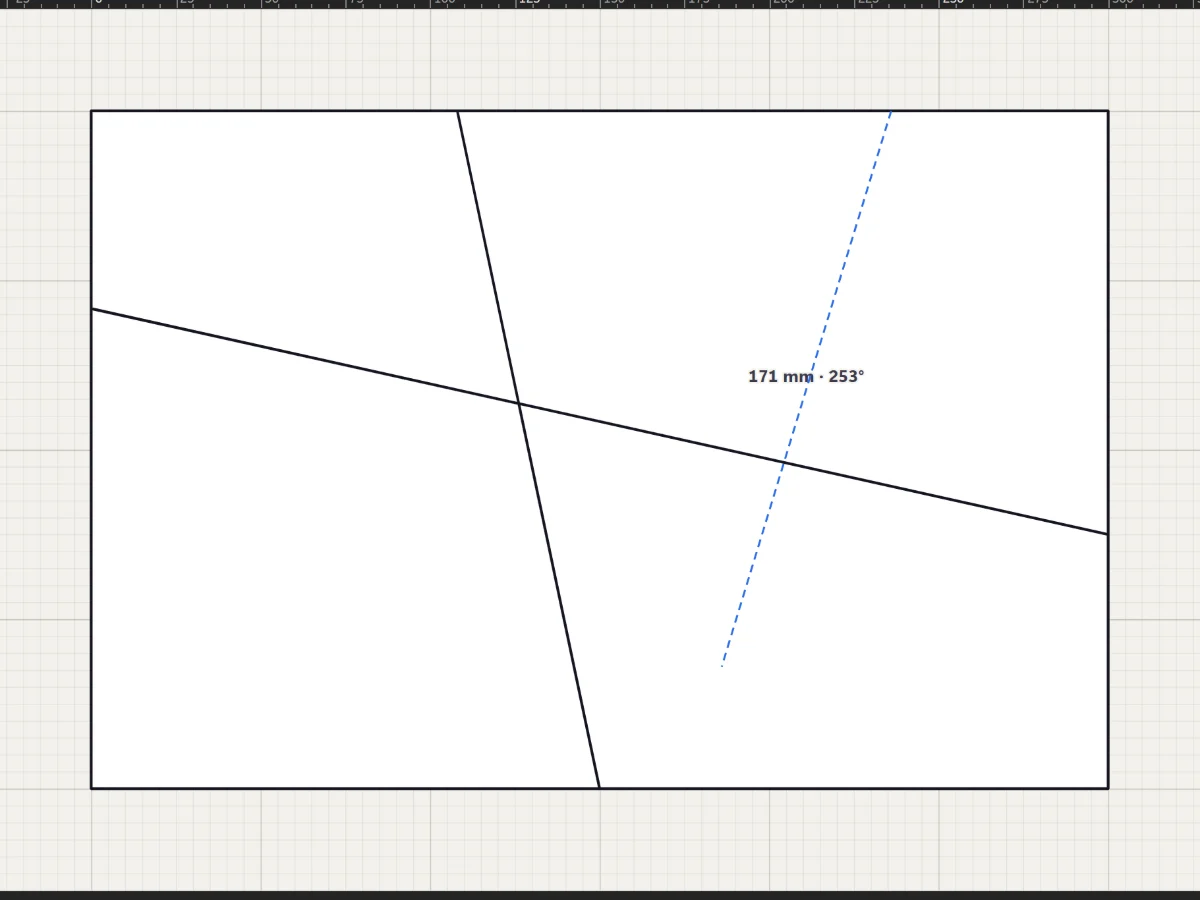
- Cut the big piece until the glass can take it
- Glaze three pieces
- See your window in light
How a lesson works
Each lesson walks you through the Studio itself.
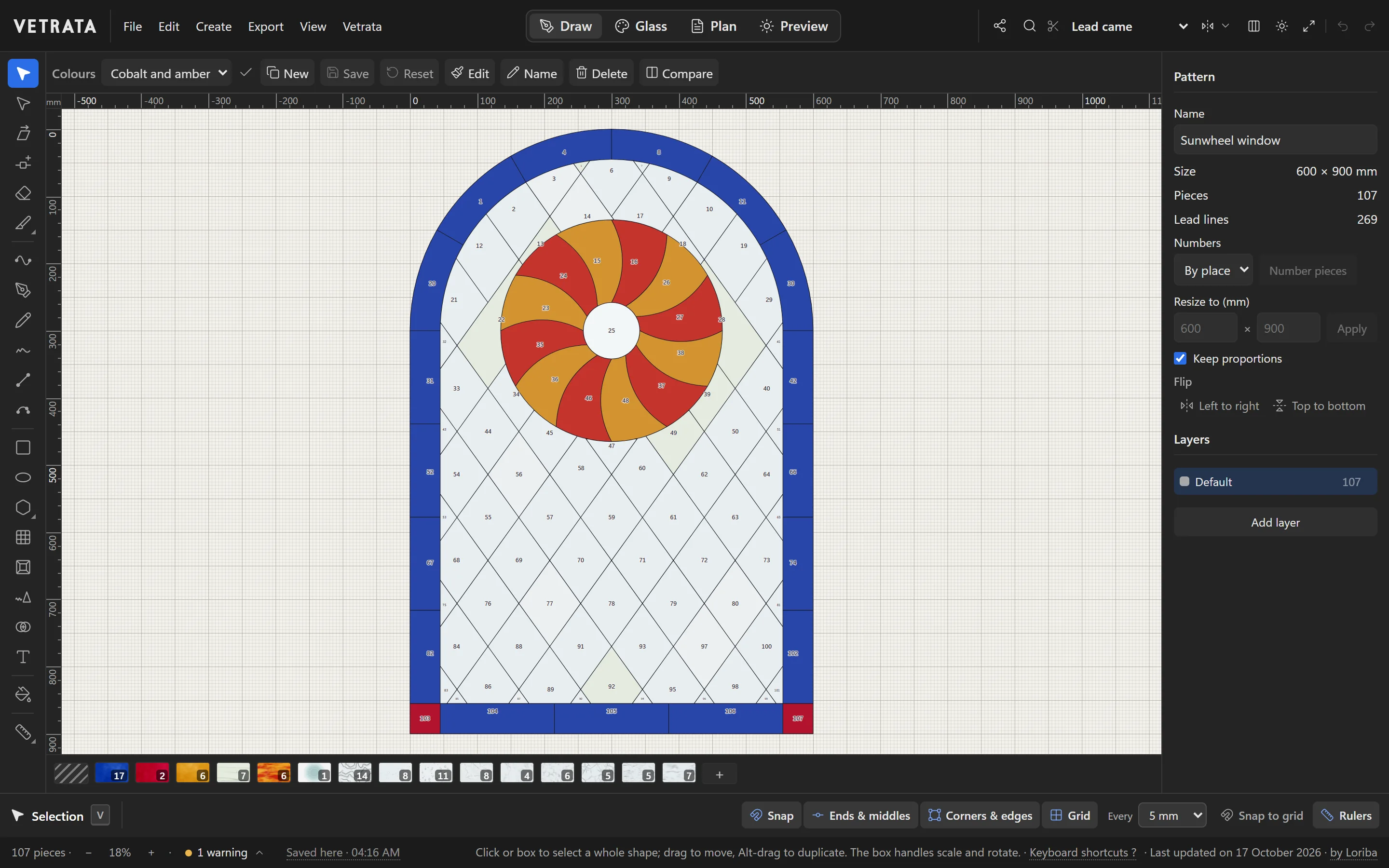
1 of 5
Four tabs, one pattern
Across the top are the Studio's four workspaces.
- 1Real screenshots Every picture is VETRATA Studio as it is today, the spotlight on what each step is about.
- 2The Studio's own words Every tool, menu and button is named as the Studio names it, so you can find it.
- 3Try it in the page Lessons about drawing and glazing end with the engine itself to try.
- 4Your progress, kept Mark a lesson done and the course remembers it in this browser.
Every lesson has a short video too: the lesson done in the Studio, captioned step by step.
Start here
Five lessons, and you can make a pattern.
Lesson 1 · Getting started
A tour of VETRATA Studio
The four tabs, the menus, the tools and the bars around the drawing: where everything lives.
5 steps · 2 min
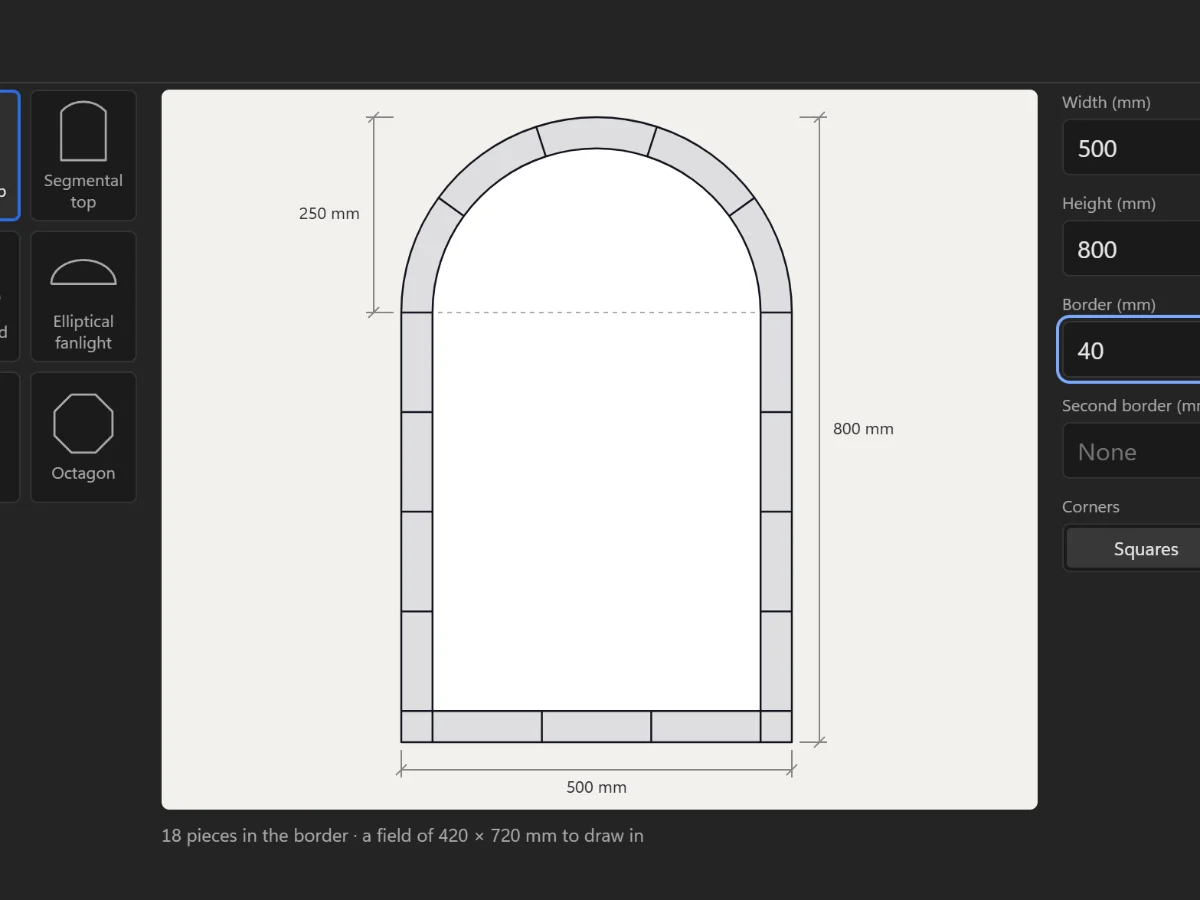 Lesson 2 · Getting started
Start a new panel
Choose the opening's shape and size, add a border, and set the technique you will build it in.
6 steps · 2 min
Lesson 5 · Draw
Draw lead lines
Straight leads with the Line tool, curves with the Pen and Curve tools, and freehand strokes that come out clean.
5 steps · 2 min · Try it in the page
Lesson 2 · Getting started
Start a new panel
Choose the opening's shape and size, add a border, and set the technique you will build it in.
6 steps · 2 min
Lesson 5 · Draw
Draw lead lines
Straight leads with the Line tool, curves with the Pen and Curve tools, and freehand strokes that come out clean.
5 steps · 2 min · Try it in the page
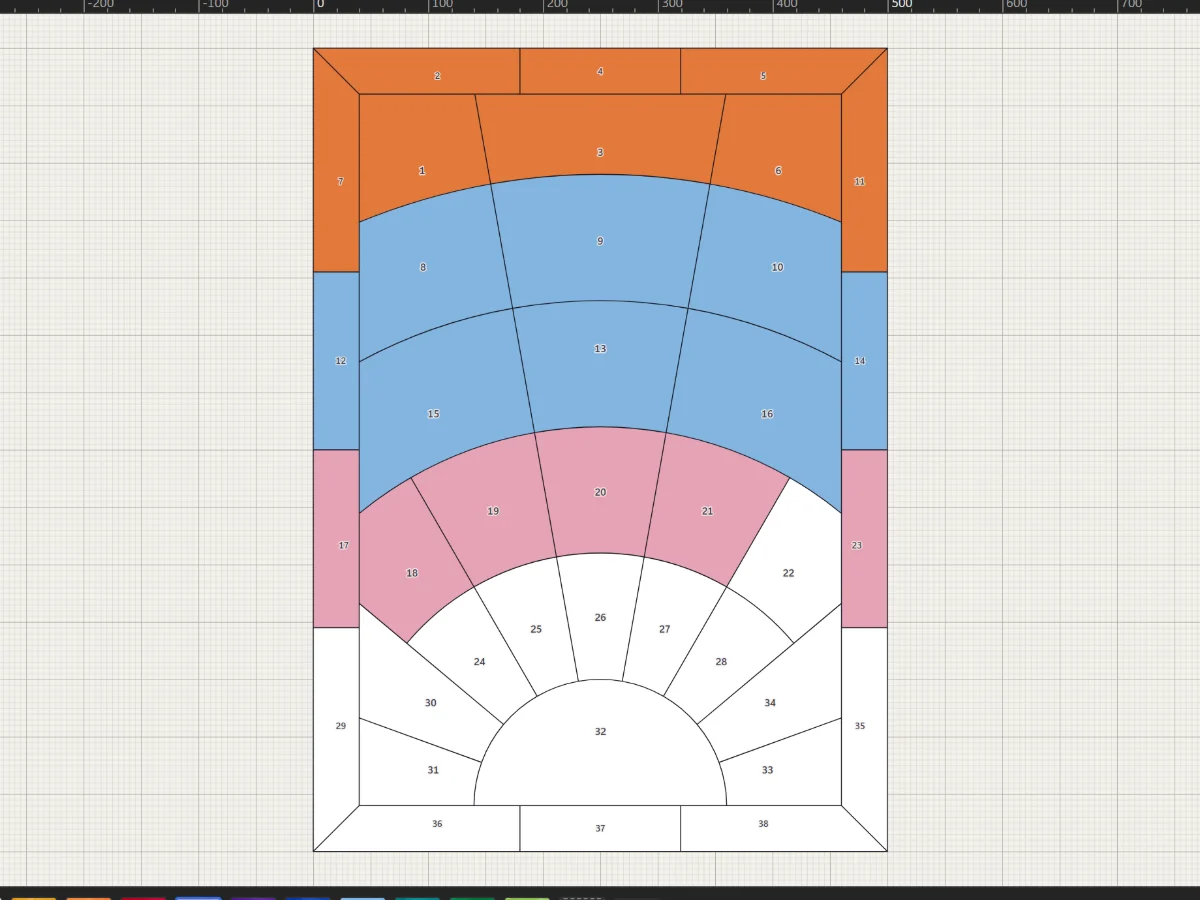 Lesson 14 · Glass
Glaze pieces
Pick a glass from the bar under the drawing and click pieces to colour them.
4 steps · 2 min · Try it in the page
Lesson 14 · Glass
Glaze pieces
Pick a glass from the bar under the drawing and click pieces to colour them.
4 steps · 2 min · Try it in the page
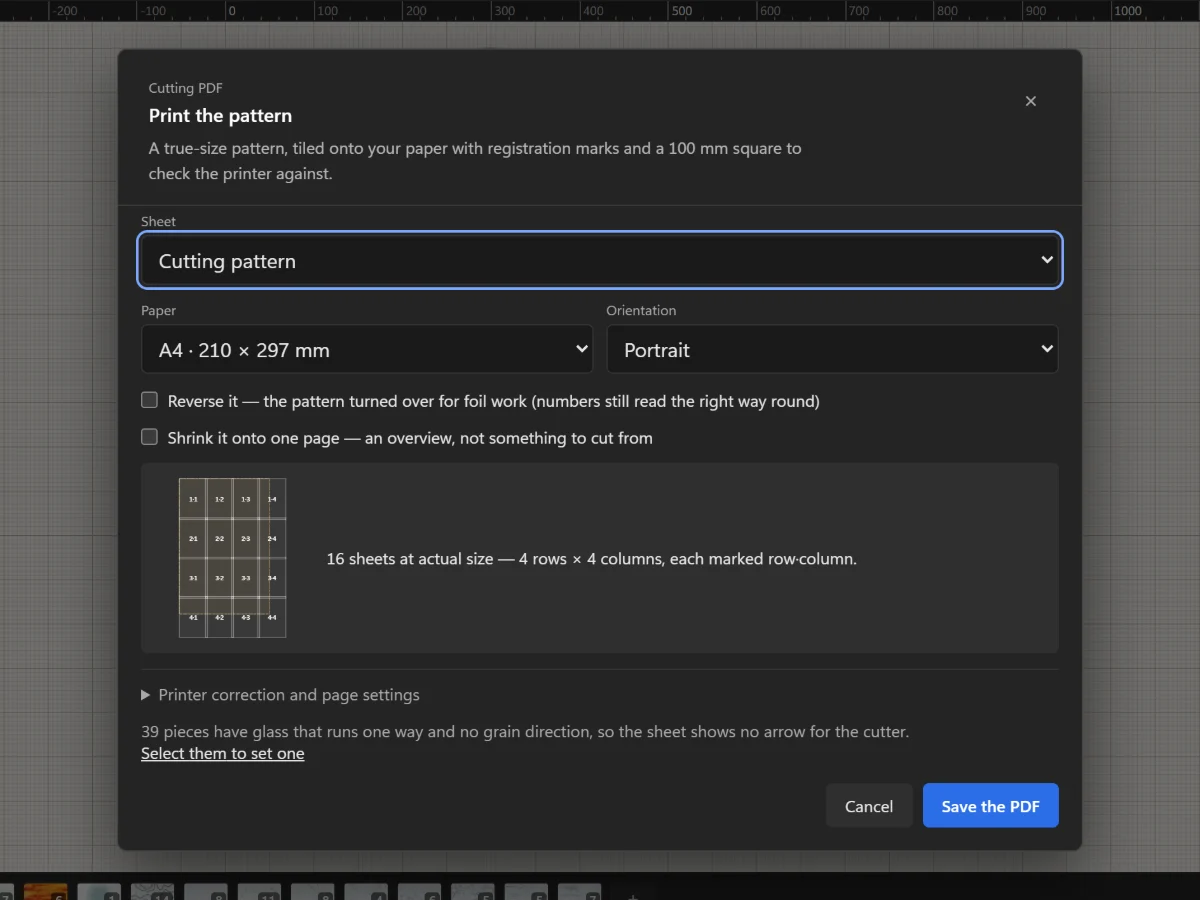 Lesson 19 · Plan and print
Print the cutting pattern true to scale
Tile the full-size pattern onto A4 or Letter with registration marks and a square to check your printer.
5 steps · 2 min
Lesson 19 · Plan and print
Print the cutting pattern true to scale
Tile the full-size pattern onto A4 or Letter with registration marks and a square to check your printer.
5 steps · 2 min
Guides to the craft
How a stained glass pattern is made.
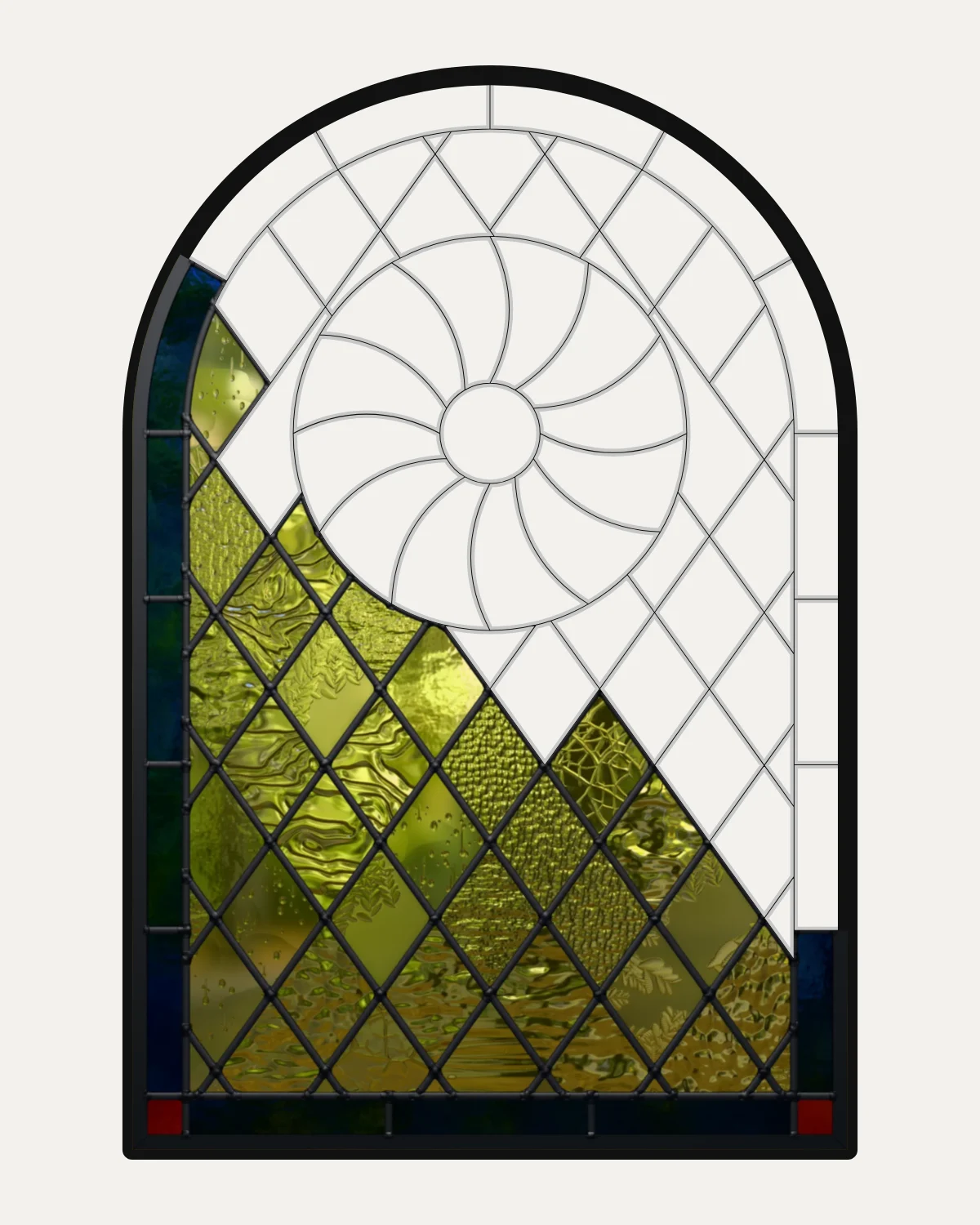 Guide · 5 min read
How to make a stained glass pattern
Make a stained glass pattern step by step: measure the opening, choose came or foil, draw lines glass can be cut along, number the pieces, choose the glass and print it full size.
Guide · 5 min read
How to make a stained glass pattern
Make a stained glass pattern step by step: measure the opening, choose came or foil, draw lines glass can be cut along, number the pieces, choose the glass and print it full size.
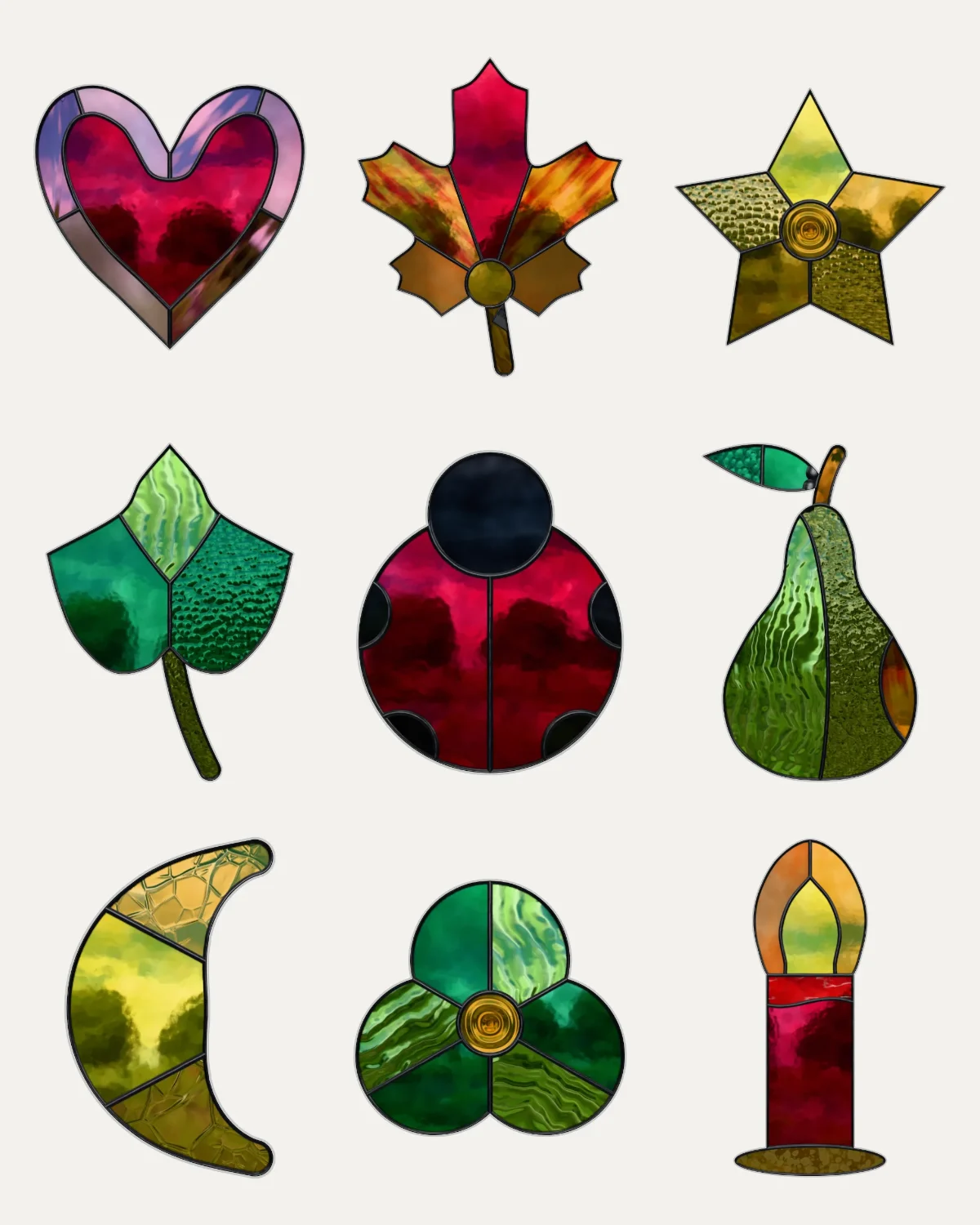 Guide · 4 min read
Stained glass patterns for beginners
How to choose a first stained glass pattern: few pieces you can hold, straight lines and gentle curves, nothing glass won't take, copper foil and a small size; and free beginner patterns to download.
Guide · 4 min read
Stained glass patterns for beginners
How to choose a first stained glass pattern: few pieces you can hold, straight lines and gentle curves, nothing glass won't take, copper foil and a small size; and free beginner patterns to download.
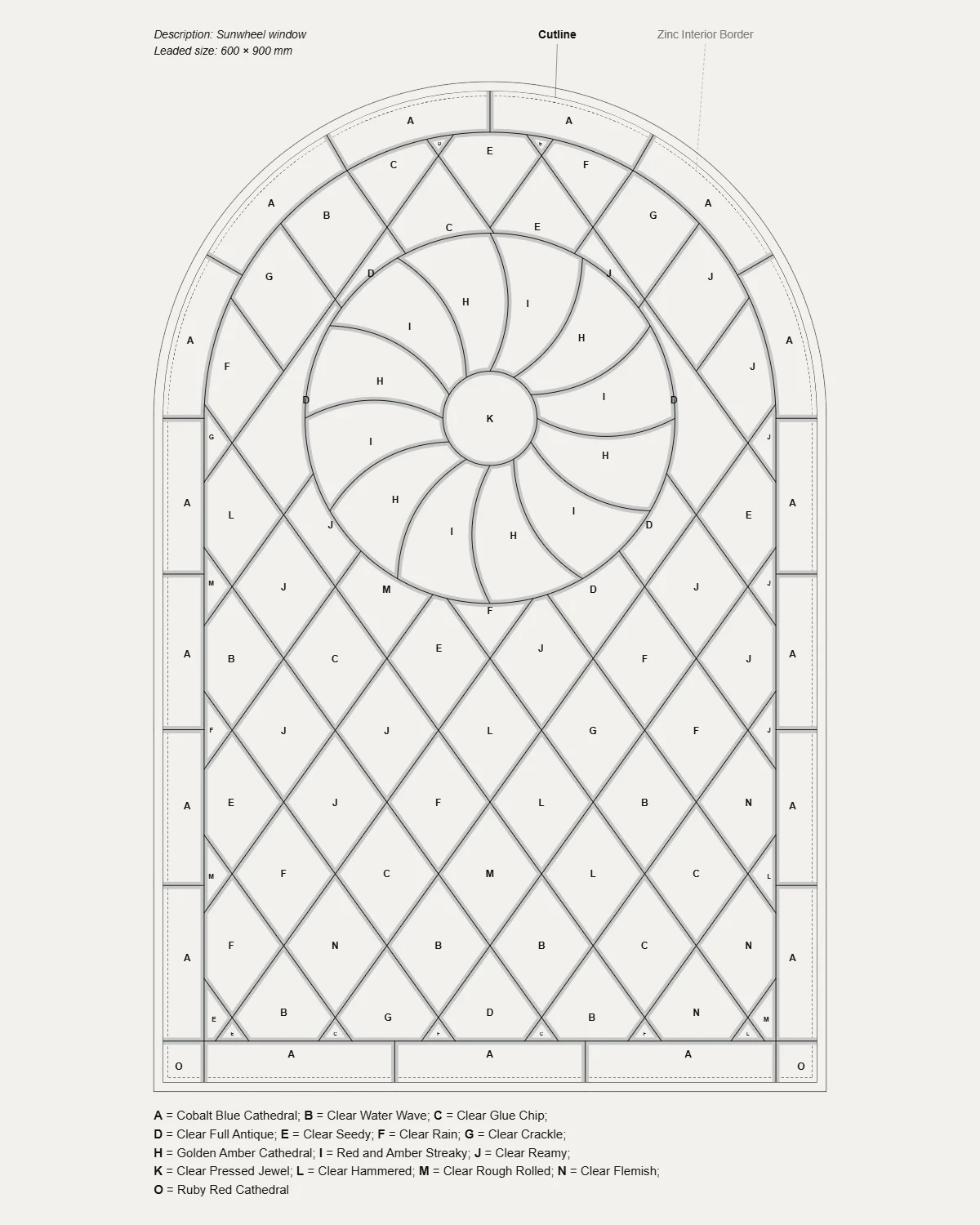 Guide · 5 min read
How to read a stained glass pattern
What every mark on a stained glass pattern means: the plan and the cutting pattern, lead lines and cut lines, piece numbers, glass letters and the key, grain arrows, the leaded size and the marks that join printed sheets.
Guide · 5 min read
How to read a stained glass pattern
What every mark on a stained glass pattern means: the plan and the cutting pattern, lead lines and cut lines, piece numbers, glass letters and the key, grain arrows, the leaded size and the marks that join printed sheets.
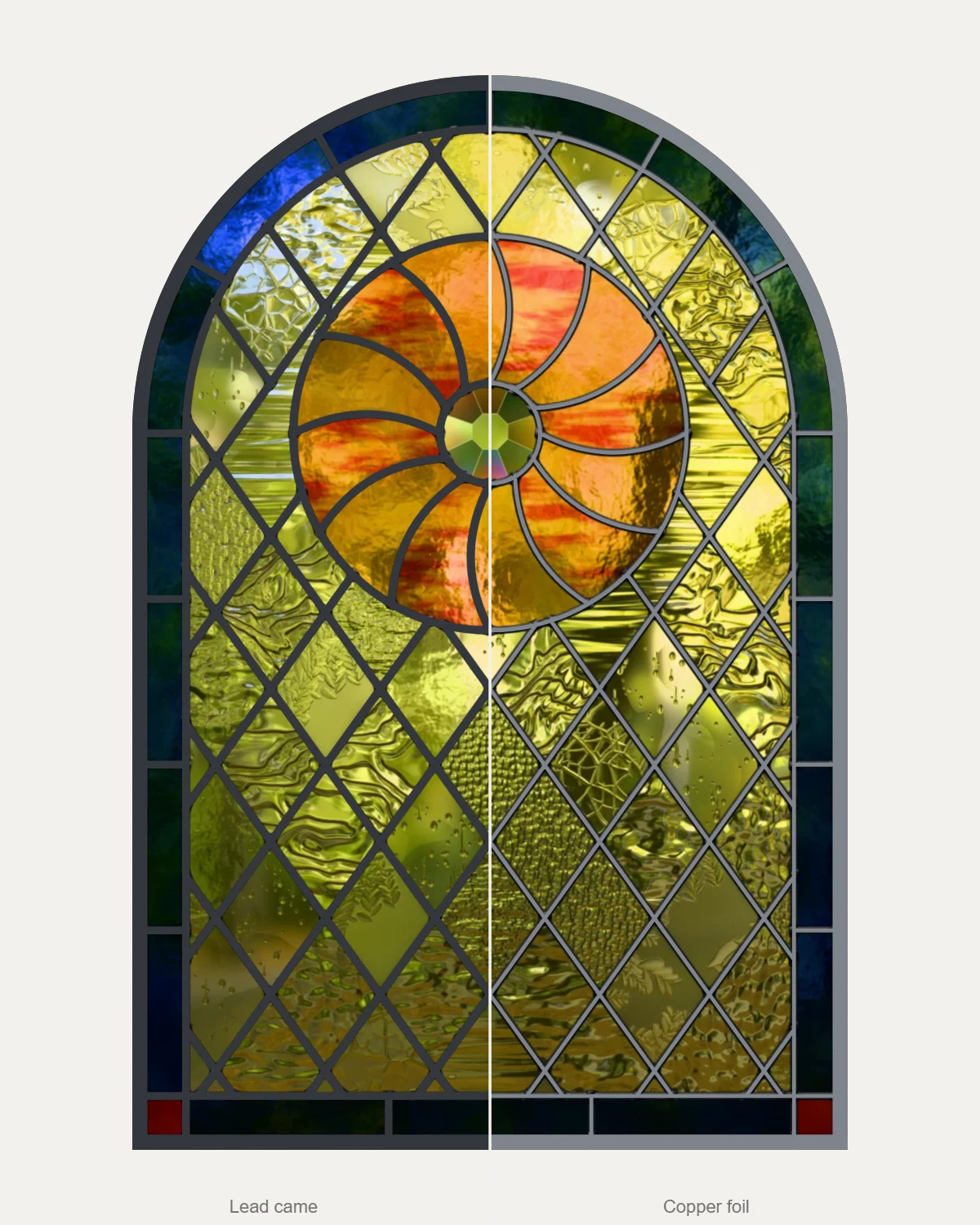 Guide · 4 min read
Lead came or copper foil?
Lead came or copper foil: what each is, what each suits, and how the choice changes a stained glass pattern: the width of its lines, where the glass is cut and how big a piece can be.
Guide · 3 min read
How to resize a stained glass pattern and print it full size
Enlarge or shrink a stained glass pattern to fit your window without fattening its lines, check every piece can still be cut, and print it full size on A4 or Letter, true to scale.
Guide · 4 min read
Lead came or copper foil?
Lead came or copper foil: what each is, what each suits, and how the choice changes a stained glass pattern: the width of its lines, where the glass is cut and how big a piece can be.
Guide · 3 min read
How to resize a stained glass pattern and print it full size
Enlarge or shrink a stained glass pattern to fit your window without fattening its lines, check every piece can still be cut, and print it full size on A4 or Letter, true to scale.
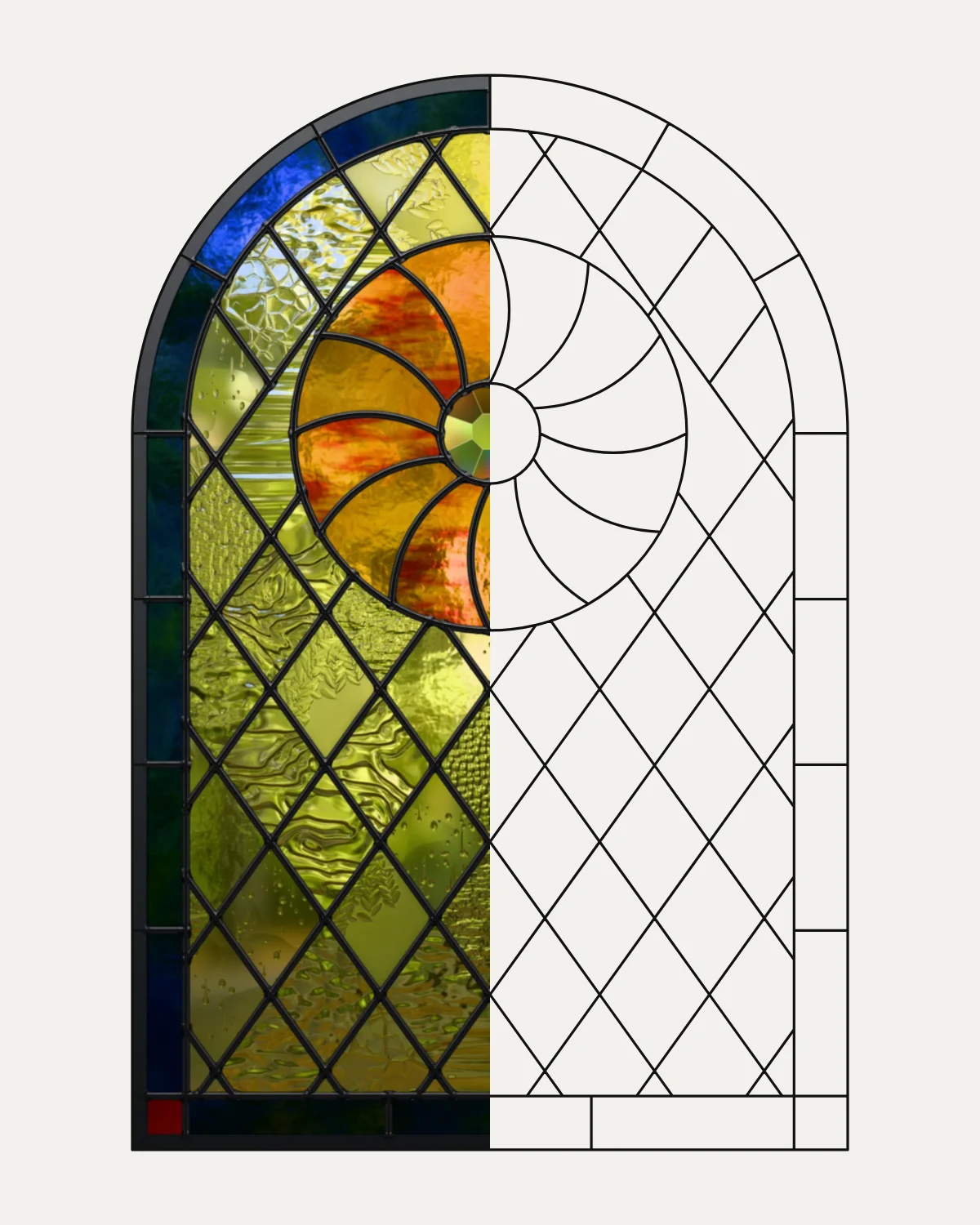 Guide · 3 min read
How to turn a photo into a stained glass pattern
Turn a photo into a stained glass pattern by tracing it: choose a photo with strong shapes, put it under the pattern at full size, draw the big shapes as leads, add the lines the glass needs and check every piece can be cut.
Guide · 3 min read
How to turn a photo into a stained glass pattern
Turn a photo into a stained glass pattern by tracing it: choose a photo with strong shapes, put it under the pattern at full size, draw the big shapes as leads, add the lines the glass needs and check every piece can be cut.
Keyboard
Every tool is a key away.
Press a key on your own keyboard, or point at one.
ShiftCtrl
Practise on a real pattern
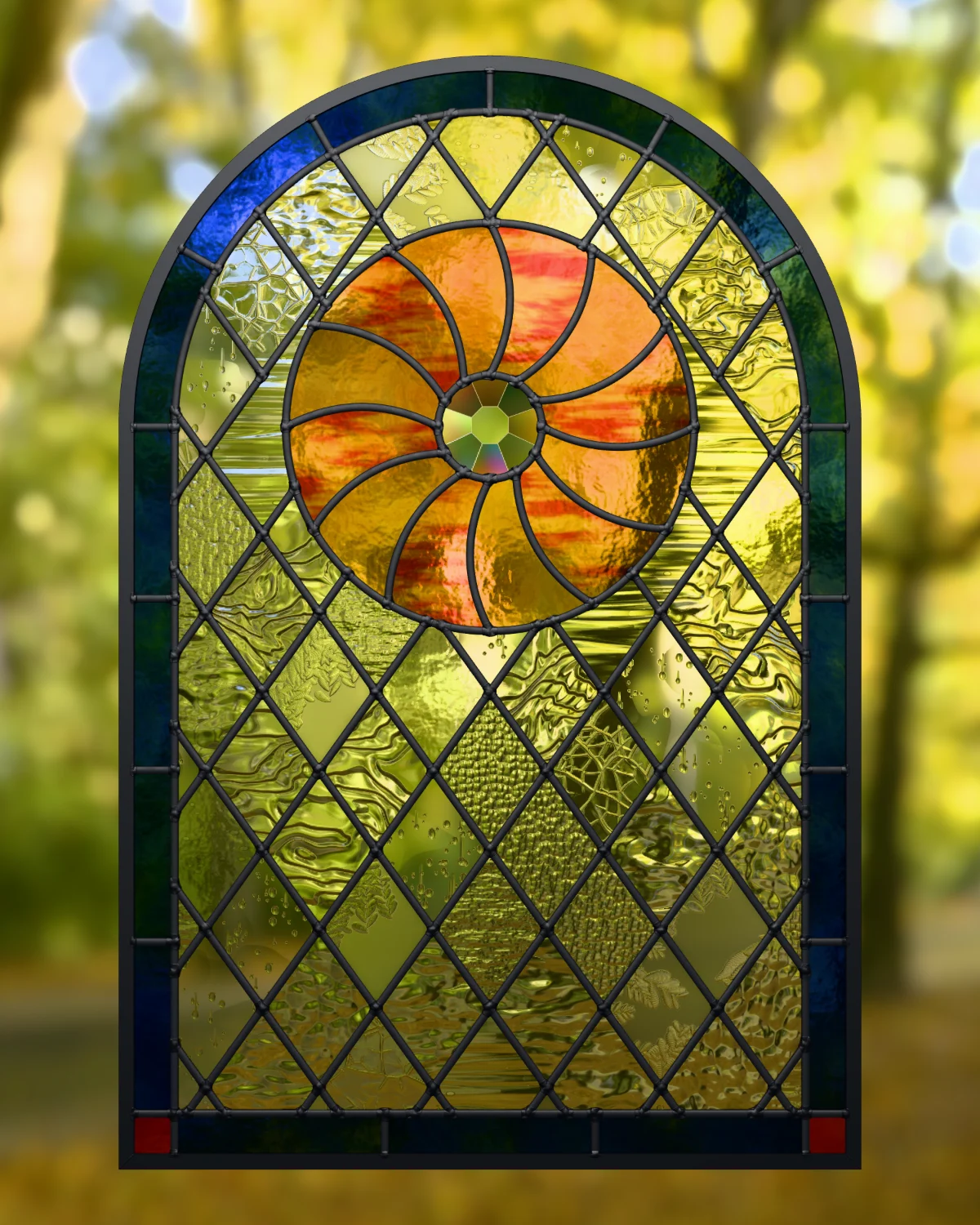
The Sunwheel window is free.
The pattern in these lessons' pictures is the pattern shop's free pattern: 107 pieces, numbered, with four colourways saved in it. Open it in the Studio and take every lesson on it.
Questions
Asked before you start.
Ask us something elseIs VETRATA Studio free?
Yes. Open vetrata.studio and start drawing: there is nothing to install and no account to make.
Where are my patterns kept?
In your browser, on your own computer, saved as you work. Nothing is uploaded. Save a pattern to a file to keep a copy, or to open it on another computer.
Save, open and keep your patternsWill it print my pattern at the right size?
Yes. The cutting PDF is the pattern at full size, tiled onto your paper, with a 100 mm square on page one. Print at 100% and measure the square; if your printer is a little off, correct it once.
Check your printer with the 100 mm squareLead came or copper foil?
Both. Choose the technique for each pattern, and the Studio's checks and the printed cut lines follow it.
Start a new panelCan I bring in a drawing from another program?
Yes: SVG and DXF drawings, with Create › Import SVG or DXF. Or put a photo, sketch or scan under the pattern and trace it by hand.
Trace a photo, sketch or scanWhere can I find patterns?
In the VETRATA pattern shop. Every pattern there is a Vetrata file to resize to your opening and glaze in your own glass, and one is free.