Lesson 14 of 23
Glaze pieces
Pick a glass from the bar under the drawing and click pieces to colour them.
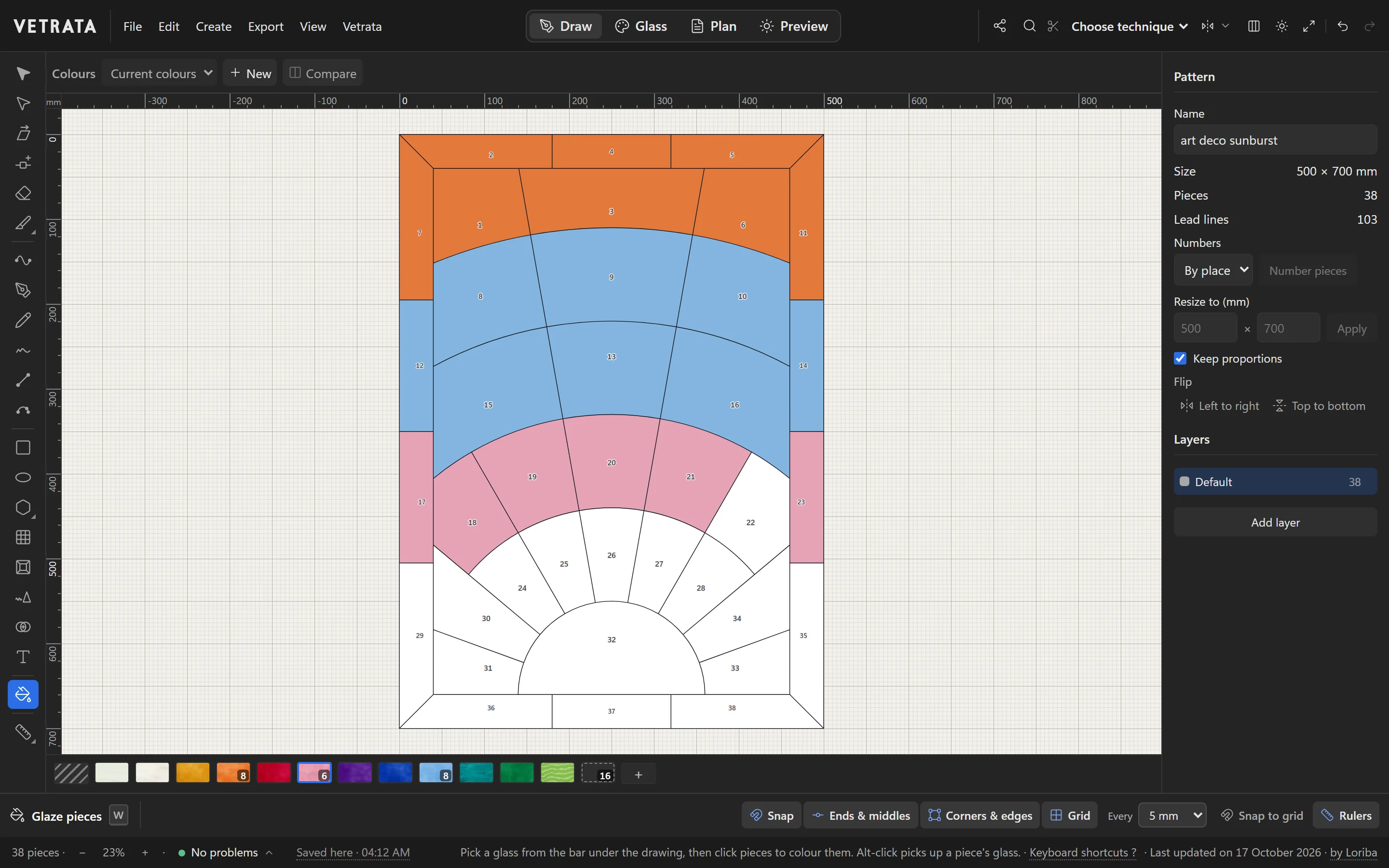
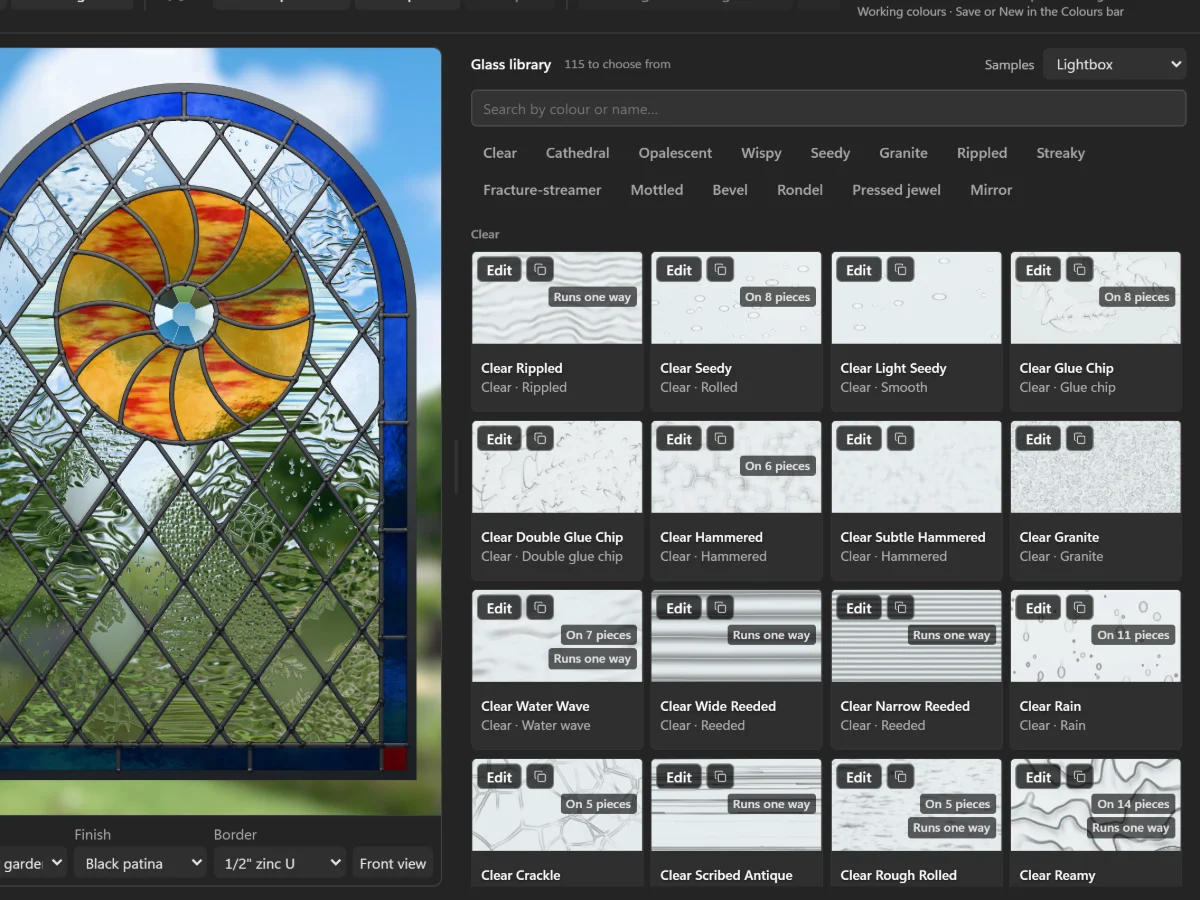
Glazing is choosing the glass for every piece. The quickest way is in the Draw tab, from the glass bar under the drawing.
-
1
Take the Glaze tool
Press W for Glaze pieces.
-
2
Pick a glass
Click a glass in the bar under the drawing. The number on a glass is how many pieces it is on. + at the end of the bar adds another glass to it.
-
3
Click pieces
Click each piece to glaze it with the glass you picked. With pieces selected, clicking a glass in the bar glazes them all at once.
-
4
Pick up and take off
Alt-click a piece to pick up its glass. The striped slot at the start of the bar is No glass: click pieces with it to take their glass off.
A white piece has no glass yet, and the last slot in the bar counts them.
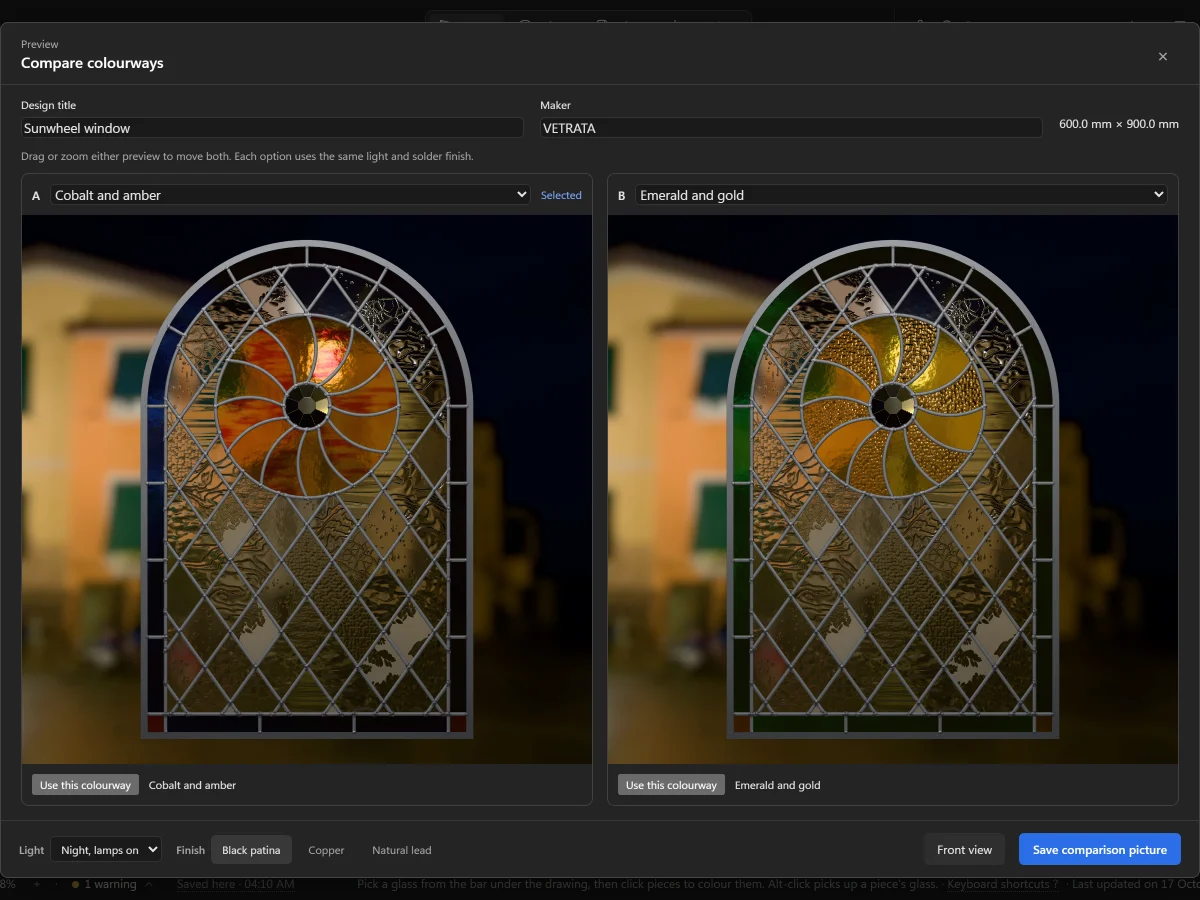
Tip Glazing changes your working colours. Save them as a colourway to keep a version you like.
Try it
Now do it, with the Studio's own engine
- Glaze three pieces
- Alt-click a piece to pick up its glass
 Add motifs and lettering