Lesson 16 of 23
Make a glass of your own
Match a sheet from your stash: its colour, texture and streaks, or a photo of the sheet itself.
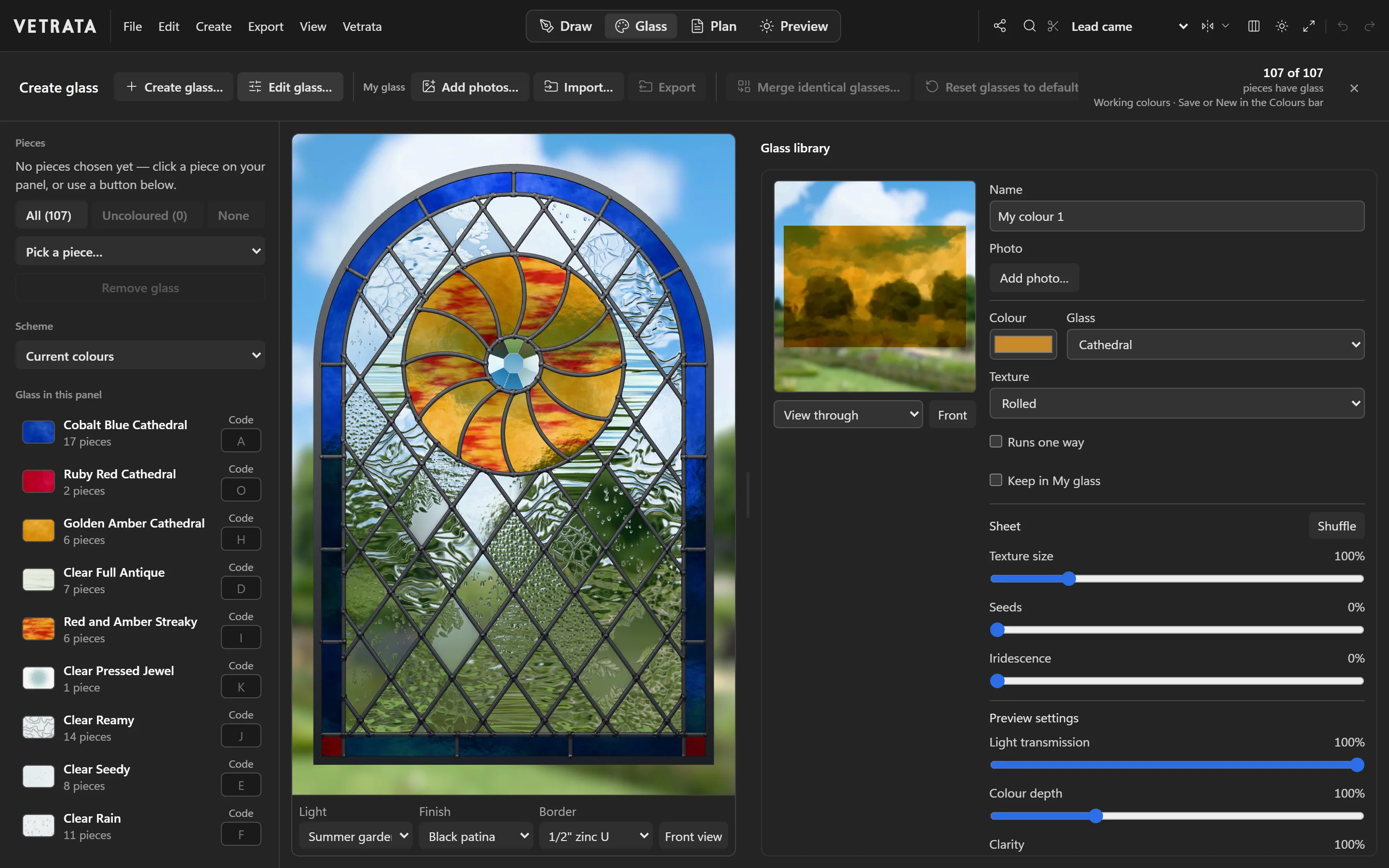
The library is a starting point. When you know which sheet you will cut, make the glass to match it.
-
1
Create a glass
In the Glass tab, click Create glass…. Name it, choose its colour and what kind of glass it is, then its texture.
-
2
Shape the sheet
Set the texture's size, the seeds and the iridescence. Shuffle cuts the next sheet of the same run, with the same character and a different pattern.
-
3
Or start from a photo
Add photo… uses a photo of your sheet, held up to the light. Add photos… in the bar makes a glass from each of several photos at once.
-
4
Keep it
Tick Keep in My glass to have it in every pattern you make in this browser.
A glass you use is copied into the pattern, so a pattern file always carries the glass it wears.
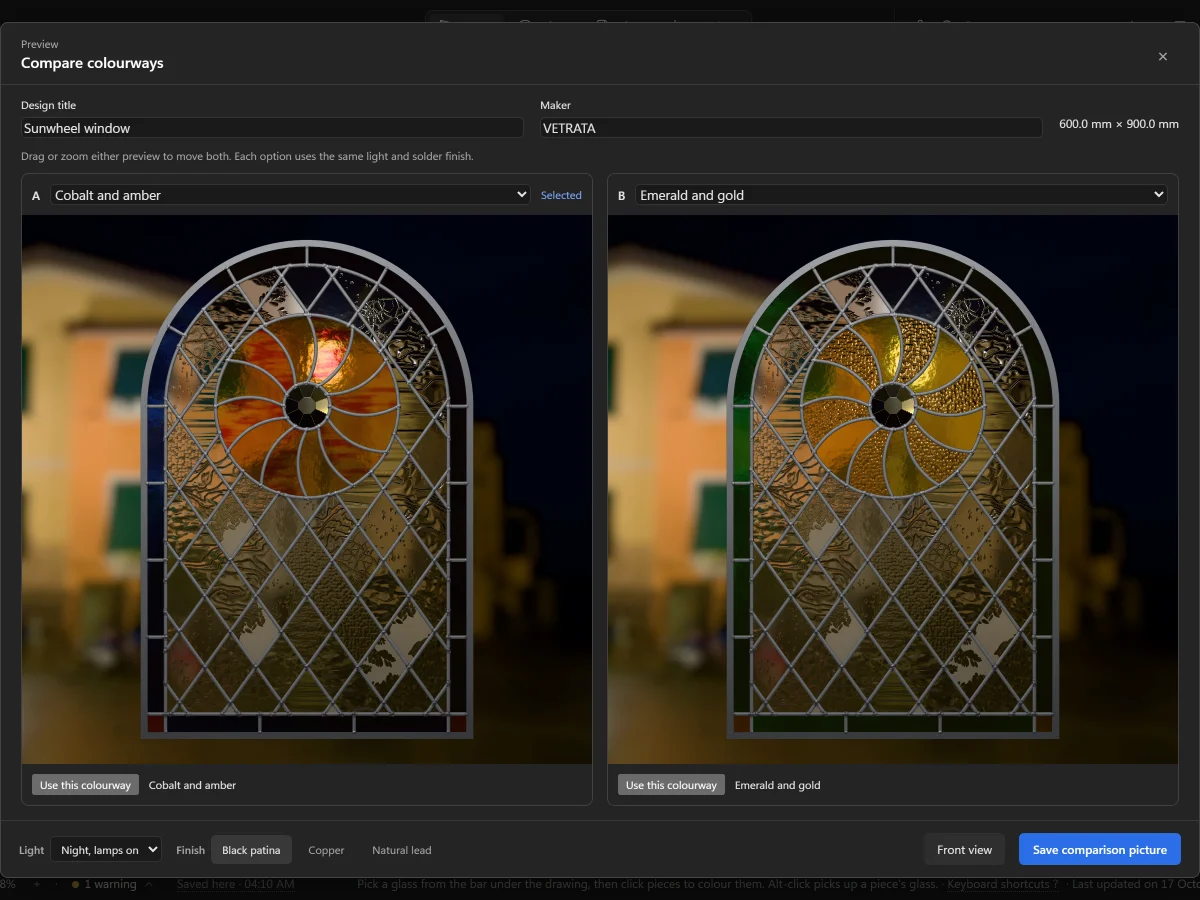 Choose from the glass library