Lesson 5 of 23
Draw lead lines
Straight leads with the Line tool, curves with the Pen and Curve tools, and freehand strokes that come out clean.
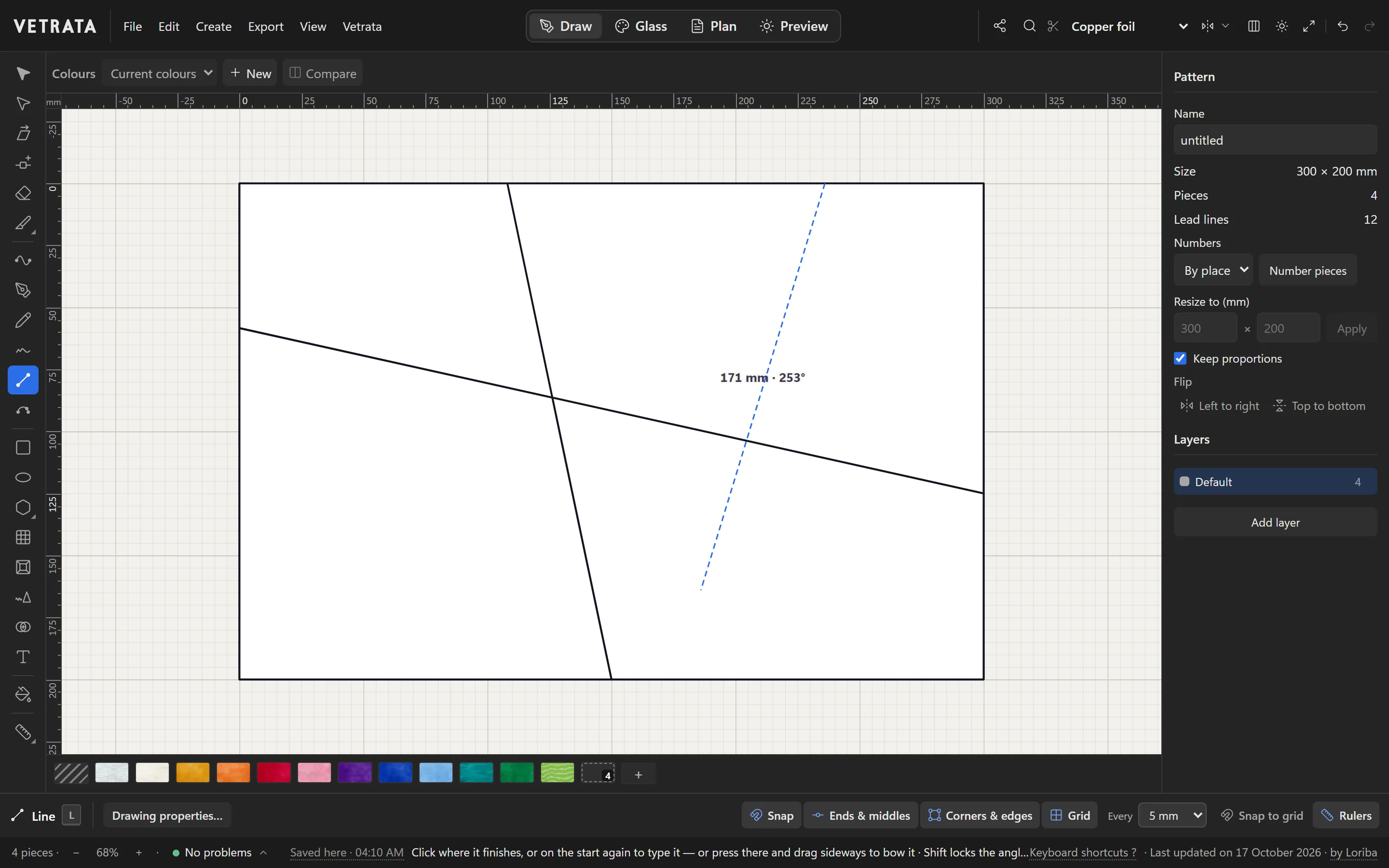
In the Studio every line you draw is a lead. Draw it across a piece and the piece is cut in two, and the pieces either side share that one line, so they can never drift apart.
-
1
Straight leads with Line
Press L for the Line tool. Click where the lead starts, then where it ends. End it on another lead or on the panel's edge, and it cuts cleanly.
While you draw, the lead's length and angle are shown beside it.
Tip Click the start point twice to type an exact length and angle. Hold Shift to lock the angle.
-
2
Bow a line
For a gentle curve, press at the second click and drag sideways: the lead bows towards the pointer.
-
3
Curves with the Pen
Press P for the Pen. Click for a corner; press and drag for a smooth curve. Press Enter, double-click or right-click to finish the path.
-
4
Curves through points
Curve (ShiftP) is the easier tool for flowing lines: click points along the way, and the lead curves through every one of them. Alt-click for a sharp corner.
-
5
Freehand and arcs
Freehand (Y) draws like a pencil and smooths your stroke into clean leads when you let go. Hold Shift for one straight lead.
Three-point arc (Q) takes both ends with two clicks, then bends through the pointer: click to set it.
Tip Smooth (ShiftY) evens out a lead already drawn: drag along it, and each pass smooths it a little more.
Try it
Now do it, with the Studio's own engine
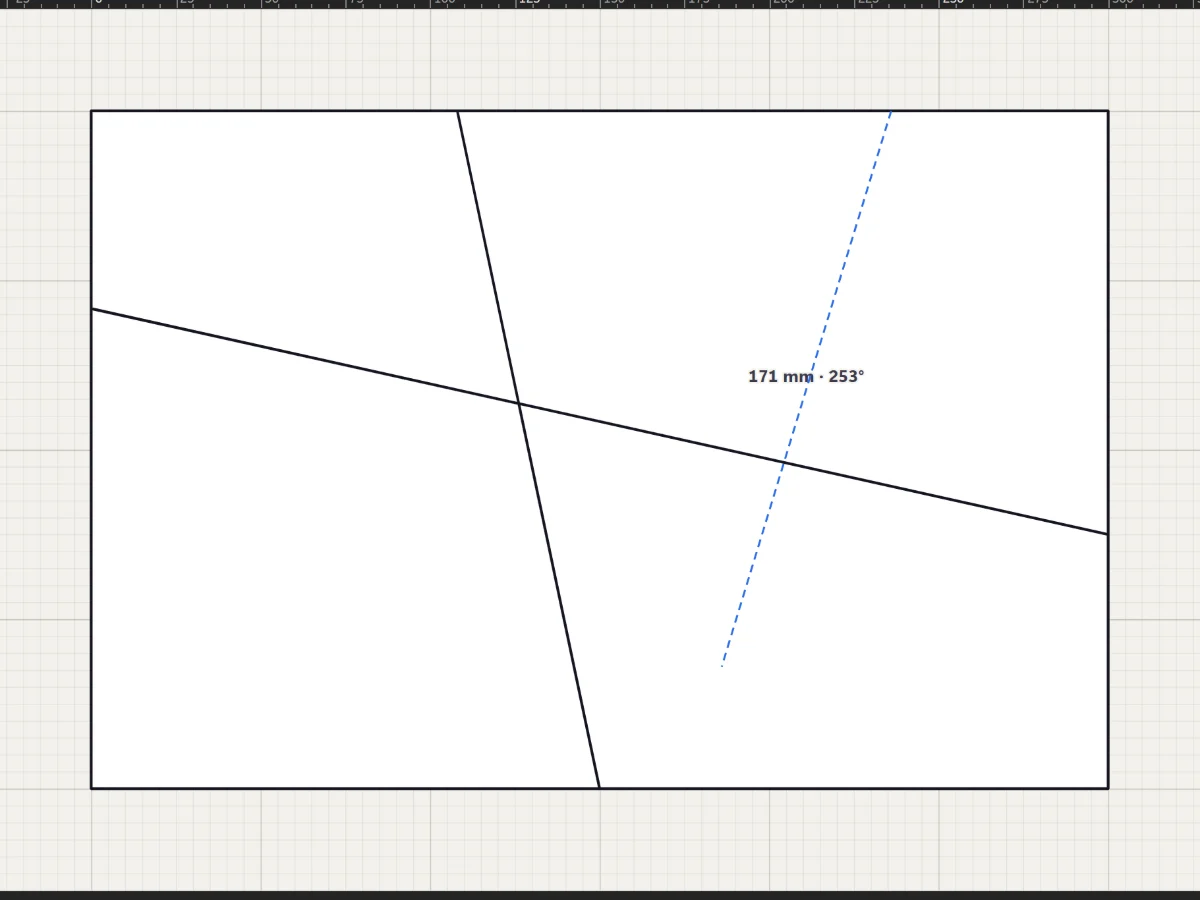
- Draw a lead from edge to edge
- Cut the field into six pieces or more
 Find any command, and make the keys yours
More in Draw
 Draw
Select, move and reshape
Move whole shapes, bend leads, drag anchors and round corners with the two selection tools.
5 steps · 2 min
Draw
Select, move and reshape
Move whole shapes, bend leads, drag anchors and round corners with the two selection tools.
5 steps · 2 min
 Draw
Split, cut and join pieces
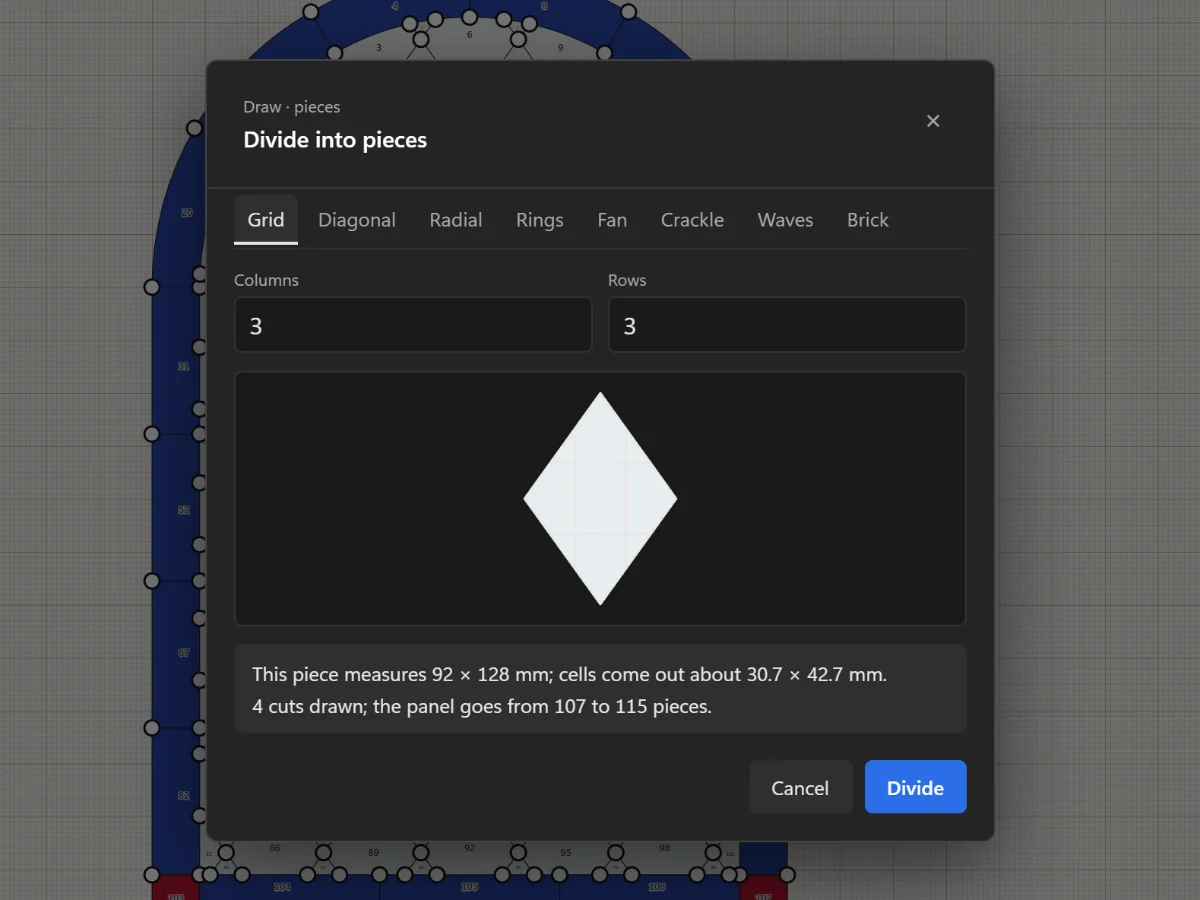
Add joints, remove leads, cut with the Knife, divide a piece evenly and join pieces with the Shape Builder.
5 steps · 2 min · Try it in the page
Draw
Split, cut and join pieces
Add joints, remove leads, cut with the Knife, divide a piece evenly and join pieces with the Shape Builder.
5 steps · 2 min · Try it in the page
 Draw
Draw it once with the Mirror
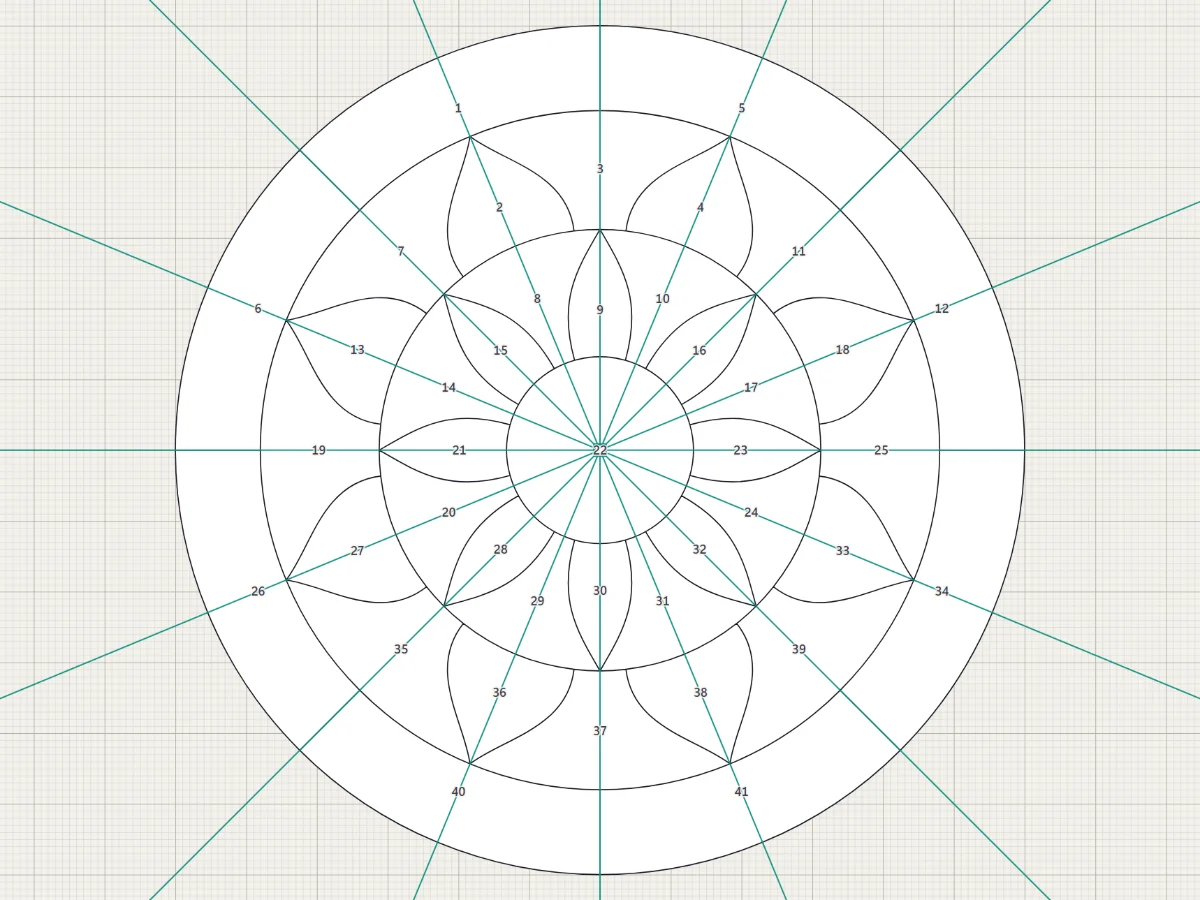
Mirror across a line or repeat around a centre, and see the reflected part live while you draw.
5 steps · 2 min
Draw
Draw it once with the Mirror
Mirror across a line or repeat around a centre, and see the reflected part live while you draw.
5 steps · 2 min