Lesson 23 of 23
Share a presentation
Make a PDF or a set of pictures of the panel in its colourways, to send to a client.
1 of 4
Open Share presentation
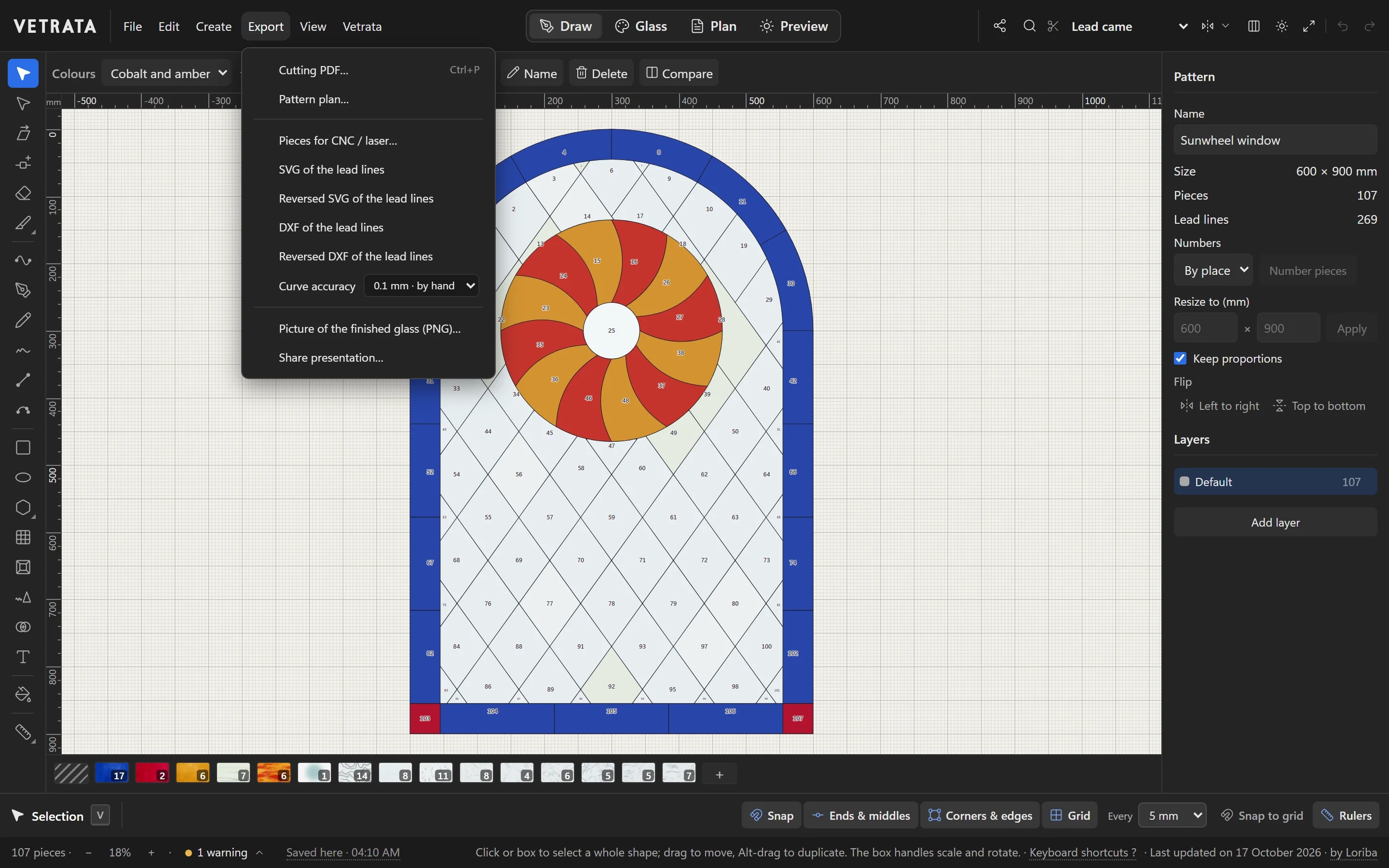
Choose Export › Share presentation….
A presentation shows a client the panel the way it will look: each colourway in light, with the design's title and your name.
-
1
Open Share presentation
Choose Export › Share presentation….
-
2
Title and artist
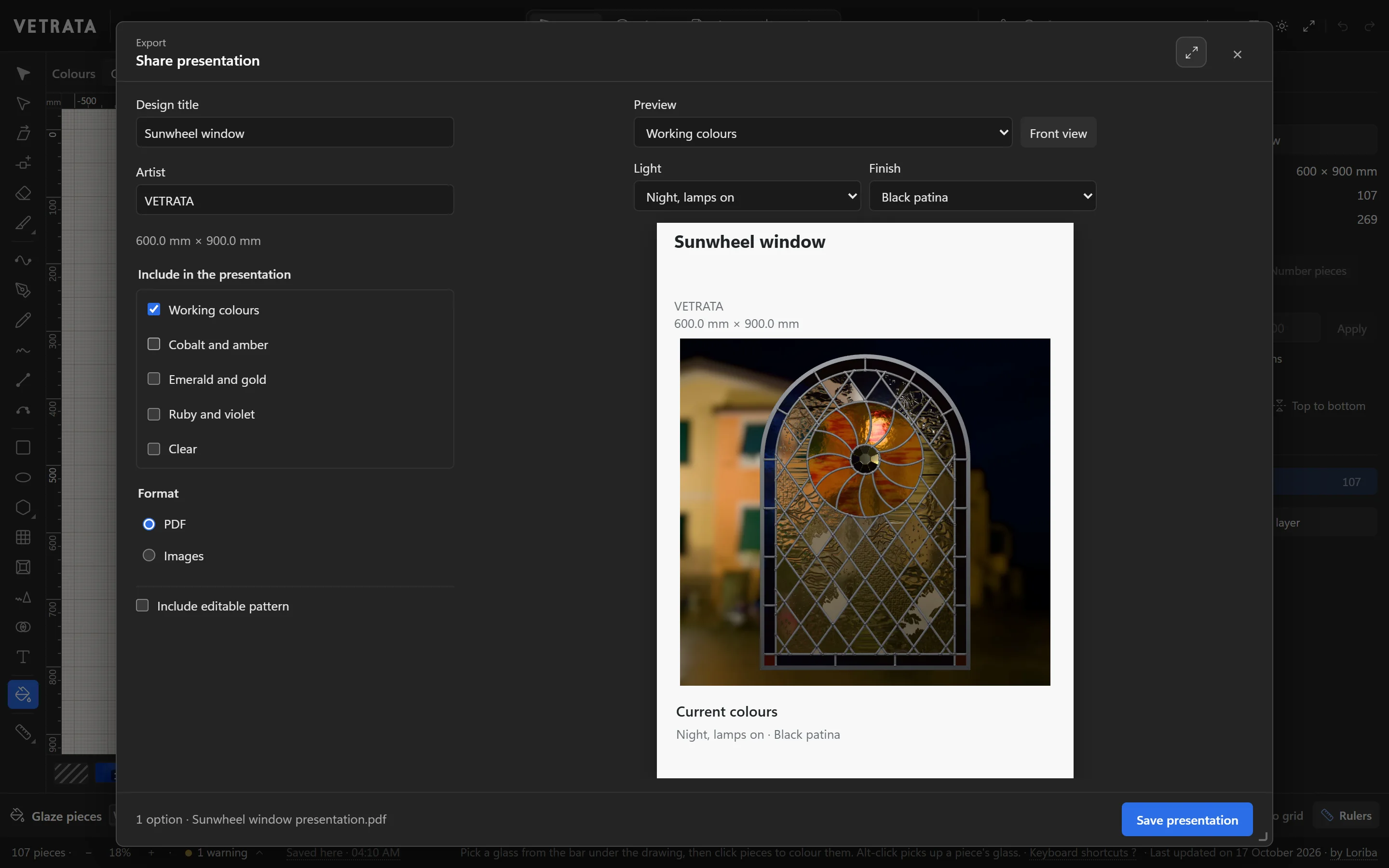
Fill in the Design title and the Artist. The panel's size is added for you.
-
3
Choose what to show
Tick the colourways to include, and set the light and finish they are shown in. The preview on the right is the page as it will be.
-
4
PDF or pictures
Choose PDF for one document or Images for a picture of each. Tick Include editable pattern to send the pattern file with it.
Click Save presentation. It is made on your computer: nothing is uploaded.
That was the last lesson.
You have been through the whole Studio. Now make something.
Open VETRATA Studio